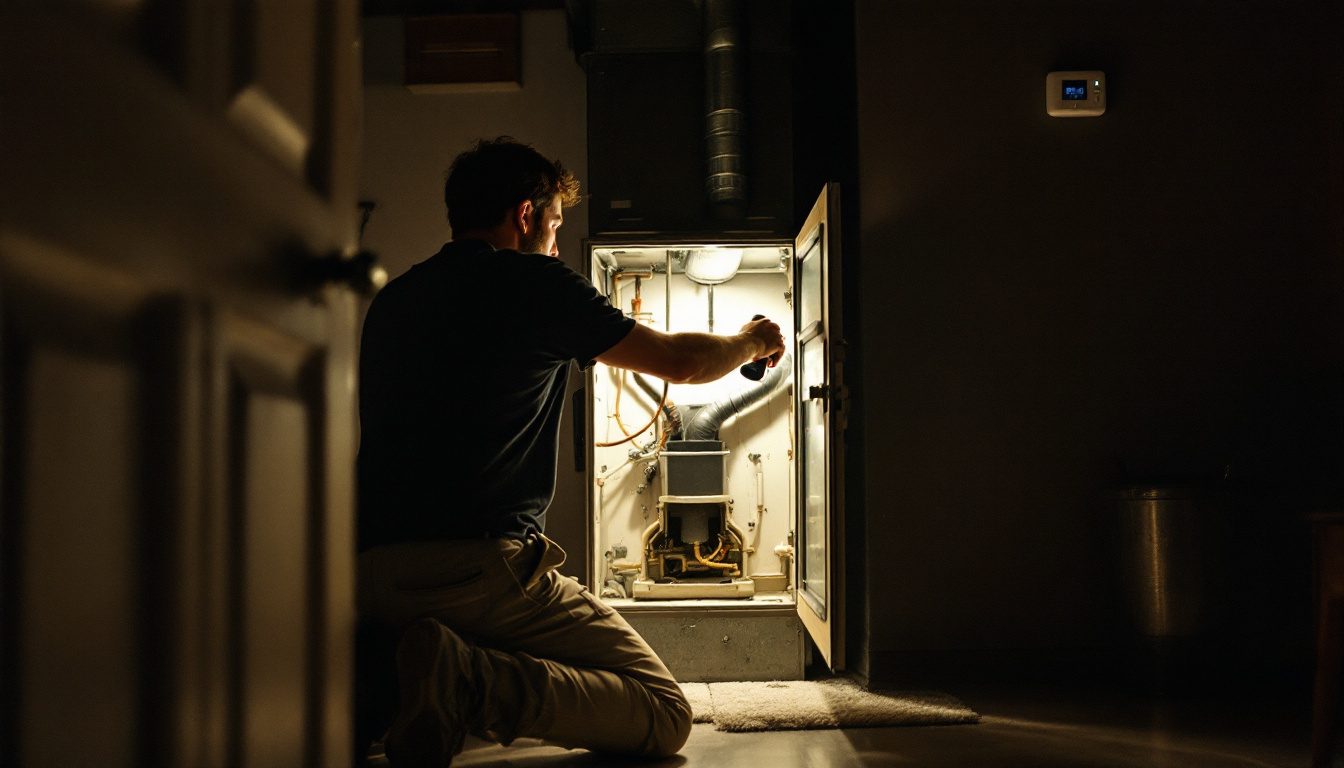
Thermostat not working? Usually the thermostat is fine and its power or permission is missing: dead batteries, a tripped breaker or furnace switch, an open blower door switch, a full condensate pan, or a blown 3 amp control fuse. If the screen works, check mode, setpoint and the 5 minute compressor delay first.
Key Takeaways
- For a blank screen, Resideo checks the breaker, system power switch, furnace door and AA alkaline batteries (FocusPRO manual).
- A flashing Heat On or Cool On is not a fault. Resideo says compressor protection is engaged: “Wait 5 minutes” (RTH6360 guide).
- Goodman blames an open 3 amp furnace fuse on a short in low voltage wiring (Goodman RS6610004).
- A float switch wired into the red wire “shuts down entire unit” (RectorSeal SS1 data sheet).
- Sensi touch smart thermostats need 20 to 30 VAC between R and C (Copeland Sensi).
- Line voltage thermostats “should only be installed or uninstalled by a professional” (Google Nest Help).
Why is my thermostat not working?
A thermostat not working is usually a thermostat without power or without permission to run the equipment. It switches a 24 volt control circuit fed from the furnace or air handler, and a power switch, door interlock, float switch or board fuse can open that circuit. Our explainer on how the wall control calls for heat and cooling covers the theory.
Thermostats are nearly universal. In the 2020 Residential Energy Consumption Survey, 109.45 million of 123.53 million US homes reported having one (EIA RECS Table HC6.1).
Thermostat not working? Match the symptom first
Sort the problem by what the screen shows. A dark screen points to power; a lit screen that gets no response points to settings, a protective delay or the equipment.
| Symptom | Most likely causes | First owner check | Source |
|---|---|---|---|
| Screen blank | Batteries, breaker, furnace switch, blower door, float switch, fuse, C wire | Fresh batteries, then breaker and door | Resideo; Goodman |
| Screen on, no heat | Mode, setpoint, schedule, keypad lockout | Heat mode, setpoint above room | Resideo RTH6360 |
| Cool On or Heat On flashing | Compressor protection delay | Wait 5 minutes | Resideo RTH6360 |
| Cool On steady, house not cooling | Outdoor breaker or disconnect, float switch on Y | Is the outdoor unit running? | RectorSeal SS1 |
| Heat pump blows cold in heat mode | Wrong O or B changeover setting | Installer setup changeover option | Resideo FocusPRO |
| Wrong reading or frequent cycling | Sun, drafts, doorway, furniture | Compare with a second thermometer | DOE Energy Saver |
Why is my thermostat screen blank?
A blank thermostat screen means the display has no power. Work from the cheapest cause up, and stop at any step that needs the electrical compartment opened.
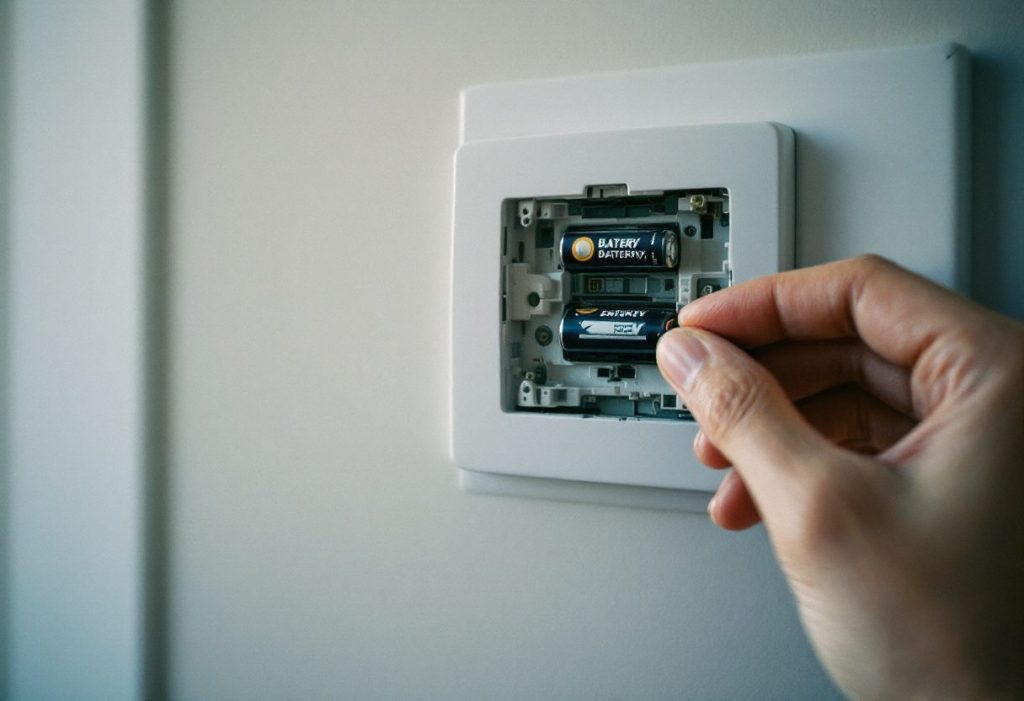
- Batteries. Resideo’s RTH6360 takes two AA alkaline cells and notes that “C does not power the thermostat display or operations; batteries are always required.” Its low battery icon appears about two months before they run out.
- Breaker and furnace switch. Check both, and reset a tripped HVAC breaker once only.
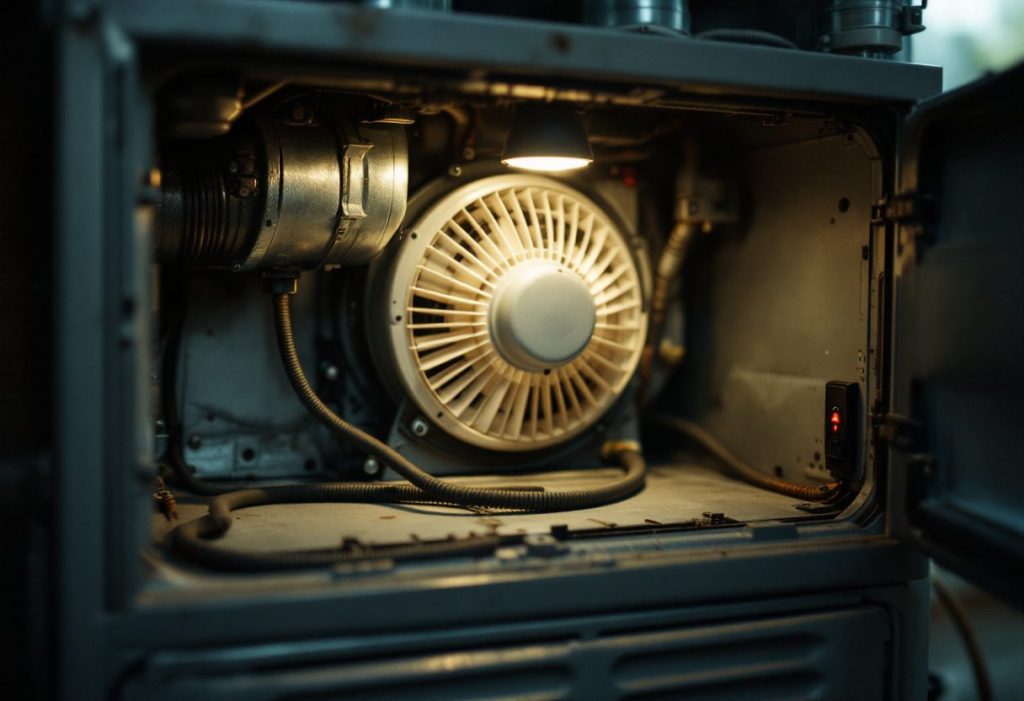
- Blower door. Goodman’s service manual states that “an interlock switch prevents furnace operation if the blower door is not in place.”
- Condensate float switch. RectorSeal tells installers to wire its switch into the red wire, where a full pan “shuts down entire unit.”
- Control board fuse. Goodman specifies a 3 amp automotive fuse and lists “short in low voltage wiring” as the cause when it opens.
- C wire. Copeland’s Sensi touch models need 20 to 30 VAC between R and C.
Resideo’s shortcut: run a common wired Honeywell model on batteries. If it stays dark even on batteries, Resideo says “you may need to involve a technician.” A drained Nest battery can take “several minutes or up to an hour” to recharge before the display returns.
A repeat trip belongs in our guide to why HVAC breakers keep tripping. Water in the pan means clearing the drain with our clogged AC drain line walkthrough.
A fuse that blows twice means a short, covered in our guide to the furnace control board and its fuse. A screen dark since a smart thermostat swap usually lacks a common wire; see our smart thermostat installation guide.
Why is the thermostat not turning on the heat?
A lit thermostat that will not turn on the heat is usually set wrong, held, locked or waiting. Resideo says to set the system to Heat and “make sure the temperature is set higher than the Inside temperature,” then allow 5 minutes for the system to respond.
- Mode and setpoint. Auto or Cool mode, or a setpoint one degree under the room reading, sends no call.
- Schedule or hold. On the RTH6360 a manual change lasts only “until the next scheduled time period begins” unless you set Permanent Hold.
- Keypad lockout. FocusPRO models can lock the keypad, and an installer can cap the heat setpoint below the 90°F default.
- Heat pump changeover. Resideo notes the reversing valve “is energized in Heat on some heat pumps and Cool for other heat pumps,” so a wrong O or B setting gives cold air in heat mode.
If the display shows Heat On and the furnace still does nothing after a few minutes, the thermostat has done its job and the fault is in the furnace. Our step-by-step on resetting a furnace safely is the next stop.
Why does the thermostat say cool on but the AC is not cooling?
If Cool On is flashing, the thermostat is deliberately holding the compressor off. Resideo’s RTH6360 guide says compressor protection is engaged and to “wait 5 minutes for the system to restart safely, without damage to the compressor.”
A steady Cool On with warm air means the call is going out and something downstream is not answering. An indoor fan blowing with a silent outdoor unit points to the outdoor breaker, the disconnect or the contactor, all covered in our guide to an AC that will not turn on.
A float switch in the yellow circuit gives the same picture: RectorSeal notes the “fan continues to run.” When both units run and the air is still warm, the fault is past the thermostat; see our walkthrough of an AC running but not cooling.
Why does the thermostat read wrong or cycle too often?
A thermostat that reads several degrees off, or starts and stops the system too often, is usually measuring the wrong air. DOE’s Energy Saver guidance says a thermostat “must be on an interior wall away from direct sunlight, drafts, doorways, skylights, and windows,” and warns that poor placement causes “ghost readings” and unnecessary cycling (DOE, archived copy).
DOE also warns against furniture in front of or below it. Tape a second thermometer beside it for an hour, then compare. If the readings agree and the system still cycles every few minutes, the cause is in the equipment, as our guide to AC short cycling explains.
When is a thermostat not working a job for a pro?
Call a technician when the fix moves past batteries, switches, doors and a visible drain pan. Three findings mean wiring or equipment work: a fuse that blows twice, a breaker that trips twice, and a line voltage thermostat.
Line voltage thermostats are a different device
Electric baseboard heat uses thermostats that directly switch 120 volt or 240 volt circuits, per DOE Energy Saver. Google describes them as “usually labeled 110, 115, 120 or 240 VAC” with 2 to 4 thick wires, often joined with wire nuts, and says they “should only be installed or uninstalled by a professional.” Resideo warns that its 24 volt RTH6360 “will not work” on such a system. Shut the breaker off before removing one, and see our guide to electric baseboard heaters for how those circuits are built.
A loose wire at the R, C, W, Y or G terminals produces most of the symptoms above, and our thermostat wiring reference maps each terminal. Before pulling a thermostat off its wall plate, Resideo says to turn off power “at the breaker box or switch that controls your heating/cooling system.”
How we researched this
Researched October 9, 2026. We read 12 primary documents and cite 10: Resideo (Honeywell Home) manuals and support pages, Google Nest Help, Copeland Sensi support, a Goodman furnace service manual, the RectorSeal SS1 data sheet, DOE Energy Saver and EIA’s 2020 Residential Energy Consumption Survey. Every quote was checked against the source text.
We excluded repair cost ranges because no federal series publishes them, and we excluded contractor and vendor blogs as sources. Reddit was skipped because the topic involves electrical safety. Fuse ratings vary by furnace brand; we cite Goodman’s 3 amp figure only for Goodman equipment.
Frequently asked questions
Why is my thermostat not working after replacing batteries?
Use fresh alkaline cells, seated the right way, as Resideo recommends for its RTH6360. If a common wired model stays dark even on new batteries, Resideo says you may need to involve a technician. If it wakes on batteries but not on system power, check the breaker, furnace switch and door switch.
Why is my thermostat not working after a power outage?
The HVAC breaker may have tripped when power returned, so check it first. On a working screen, a flashing Heat On or Cool On is Resideo’s compressor protection, which asks you to wait 5 minutes. A Nest with a drained battery can need several minutes or up to an hour to recharge before the display comes back.
Can a clogged AC drain line make the thermostat stop working?
Yes. A condensate float switch wired into the red wire “shuts down entire unit,” according to RectorSeal’s SS1 data sheet, and a thermostat powered through R and C loses that power too. Wired into the yellow wire instead, the outdoor unit stops while the indoor fan keeps running.
How do I reset my thermostat?
Google tells Nest owners to pull the display straight off the base and press it back until it clicks, or to turn the breaker or switch for the system off and back on. Resideo says that if RTH6360 batteries go back in within two minutes, the time and day do not need resetting, and other settings stay in memory.
Why does my Honeywell thermostat say Cool On but nothing happens?
If Cool On is flashing, Resideo’s compressor protection is holding the outdoor unit off; wait 5 minutes. If it is steady and nothing runs, Resideo lists the breaker, the power switch at the equipment and a securely closed furnace door as the checks. If only the indoor fan runs, the fault is at the outdoor unit or its disconnect.
How do I know if my thermostat is bad?
Resideo’s test is to run a common wired model on batteries: if it stays dark even then, the thermostat itself is the suspect. On a smart thermostat, Copeland’s Sensi guidance is to measure 20 to 30 VAC between R and C. Correct voltage with a dead screen points to the thermostat itself.
Sources
- Resideo (Honeywell Home). “FocusPRO P200 and S200 Series Thermostats Installation Manual: Troubleshooting and Support.” https://docs.honeywellhome.com/focuspro-p200-s200-im/en-us/Content/Installation-Manual/Troubleshooting%20and%20Support.htm. Accessed October 2026.
- Resideo. “RTH6360 Series Programmable Thermostat Quick Installation Guide, 33-00201EF.” https://customer.resideo.com/resources/techlit/TechLitDocuments/33-00000s/33-00201EF.pdf. Accessed October 2026.
- Honeywell Home. “How do I fix a blank display on my RTH6360 thermostat?” https://honeywellhome.com/us/en/support/how-do-i-fix-a-blank-display-on-my-rth6360-thermostat. Accessed October 2026.
- Google. “Troubleshoot when your thermostat won’t turn on.” Google Home and Nest Help. https://support.google.com/googlenest/answer/9233319. Accessed October 2026.
- Google. “Nest thermostat compatibility.” Google Home and Nest Help. https://support.google.com/googlenest/answer/9240316. Accessed October 2026.
- Copeland. “Blank screen after installing.” Sensi support. https://sensi.copeland.com/en-us/support/blank-screen-after-installing. Accessed October 2026.
- Goodman Manufacturing. “Service Instructions: 80%, 90%, 95% Gas Furnaces and Accessories, RS6610004 Rev. 9.” November 2009. https://s3.amazonaws.com/s3.supplyhouse.com/product_files/Goodman-GMS951155DXA-Install-Instructions.pdf. Accessed October 2026.
- RectorSeal. “Safe-T-Switch SS1 Product Data Sheet.” https://www.budgetheating.com/content/files/downloadables/ss1%20tech%20specs.pdf. Accessed October 2026.
- US Department of Energy, Energy Saver. “Programmable Thermostats” (archived copy). https://web.archive.org/web/2025id_/https://www.energy.gov/energysaver/programmable-thermostats. Accessed October 2026.
- US Energy Information Administration. “2020 Residential Energy Consumption Survey, Table HC6.1: Space heating in U.S. homes.” March 2023. https://www.eia.gov/consumption/residential/data/2020/hc/pdf/HC%206.1.pdf. Accessed October 2026.
Leave a Reply