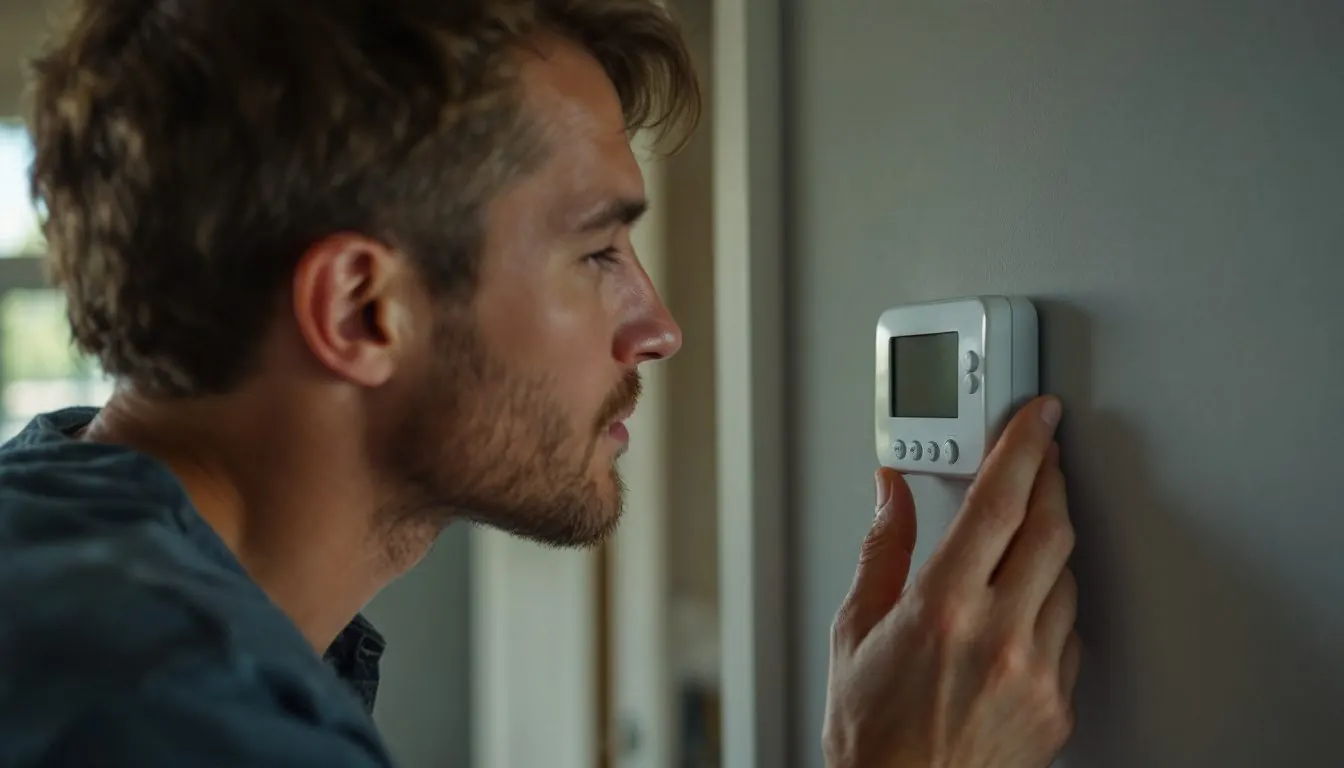
An Emerson thermostat flashing is usually doing its job, but the meaning depends on the White-Rodgers model. On 1F78 models a flashing snowflake is a 3 to 5 minute compressor lockout; on the 1F80-0261 it means cooling is being called for; on Blue 1F80, 1F83, 1F85 and 1F95 models a flashing setpoint is the lockout.
These are White-Rodgers models; current sheets carry the address copeland.com/white-rodgers. Find the model number (1F78, 1F80, 1F83, 1F85, 1F86 or 1F95) first. If the face says Sensi, our Sensi flashing guide applies.
What does each flashing symbol mean on a White-Rodgers 1F78, 1F80, 1F83, 1F85 or 1F95?
Match what is blinking to your model in the table. 13 of the 14 rows are normal operation or a battery warning; only “Call For Service” reports an equipment fault.
| What is flashing | Model (instruction sheet) | What the maker says it means | What to do |
|---|---|---|---|
| Snowflake | 1F78 (37-6615A), 1F78H (37-6448A) | Compressor lockout: cooling was called within 5 minutes of the last cycle | Wait 3 to 5 minutes |
| Snowflake | 1F80-0261 (37-7009B) | The thermostat is calling for cool (normal running) | Check that the outdoor unit is running |
| Flame | 1F80-0261 (37-7009B) | The thermostat is calling for heat | None |
| Setpoint number | 1F80-0261; Blue 1F80-0471, 1F86-0471, 1F83-0471, 1F85-0471, 1F95-0671 | Compressor lockout (CL On): flashes for up to five minutes | Wait 5 minutes |
| Setpoint number in Heat | 1F95EZ-0671 set to HP1 or HP2 (37-6986A) | The 5 minute compressor lockout on a heat pump | Wait 5 minutes |
| CL | 1F83-51 (37-5916C) | Compressor lockout; fan runs, compressor off | Wait; the bypass is for technicians only |
| Call For Service | 1F85CA-0471; 1F85R-975 and 1F85-0422PL (37-7052001); 1F95-1277 | A fault in the heating or cooling system, not in the thermostat | Count the flashes |
| Save or Cool Savings | 1F80-0261, 1F85-0471, 1F95-1277 | Cool Savings is active | None |
| +2 | 1F83-0422PL, 1F85-0422PL, 1F85R-975 | Second stage is energized | None |
| Change with battery icon | Blue universal models | The 2 AA batteries are low | Replace both AA cells now |
| LO BATTERY on a blank screen | 1F78 (37-6615A) | The 2 AAA batteries are low; nothing else is displayed | Replace both AAA cells |
| Time alternating with temperature | 1F78H (37-6448A) | Normal display | None |
| Time alternating with LOC | 1F80-0471, 1F85-0422PL family | Keypad lockout is on | Enter the 3 digit code in the menu |
| L in the time digits | 1F85-0471 family | You hit the heat or cool limit set in the menu (shown about 6 seconds) | Change the menu limit |
Is a flashing snowflake on an Emerson thermostat a compressor lockout or a call for cooling?
It depends on the model. The 1F78 instruction sheet says that if cooling is called “within 5 minutes of the last cycle the snowflake icon will blink indicating the thermostat is locked out,” and that it stops flashing when the compressor starts “after 3 to 5 minutes.” The 1F78H prints the same rule (1F78 sheet 37-6615A, archived copy).
The Blue 2 inch 1F80-0261 uses the snowflake the other way round. Its display legend says the snowflake is displayed “(flashing) if the thermostat is calling for cool,” and the flame flashes when it calls for heat. Its lockout shows as a flashing setpoint, so a blinking snowflake in a warm house points to the equipment (1F80-0261 sheet 37-7009B, archived copy). If cold air never arrives, our guide to a thermostat that says cool on but the AC is not running walks the outdoor side.
How long should the setpoint flash before the AC starts, and can you turn the lockout off?
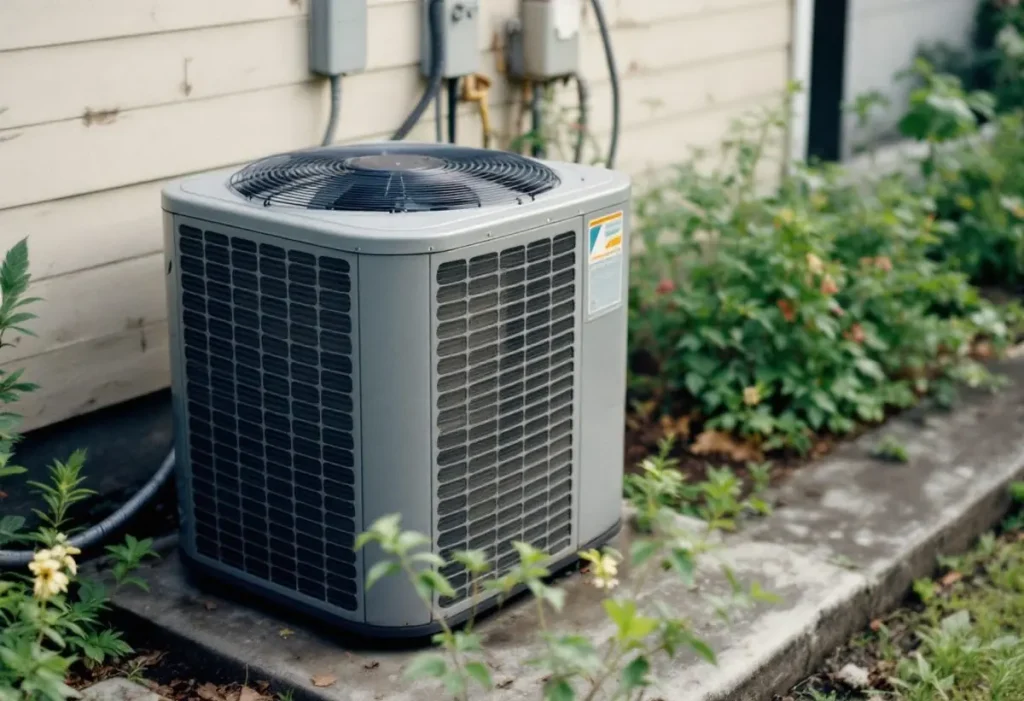
Up to five minutes, counted from the end of the last cooling cycle. On the Blue universal sheets, menu item CL (“Compressor Lockout Time”) ships as OFF; setting CL On makes the thermostat “wait 5 minutes between cooling cycles,” and when the delay runs “it will flash the setpoint for up to five minutes” (Copeland sheet 37-7052001). So a flashing setpoint means an installer turned CL On.
The sheet notes “Some newer compressors already have a time delay built in,” so an installer can set CL back to OFF. On the 1F78H the item is called LOC and, set ON, the thermostat also waits 5 minutes after the system loses power. The 1F78 sheet lists no setting to switch its delay off, and the 1F83-51 sheet (archived copy) limits its lockout bypass to “qualified service technicians” and only after the compressor oil heaters have run for 6 hours; all three sheets also say not to run cooling below 50°F outdoors. If the AC then starts and stops every few minutes, the cause is in the equipment, which our page on AC short cycling sorts by timing.
Emerson thermostat flashing Change with a battery icon: what happens if you ignore it?
It shifts your temperature by 10 degrees. On Blue universal models, “Change” means install fresh AA alkaline batteries immediately. When less than two months of battery life remain, the setpoint “will offset by 10 degrees (10 degrees cooler in Heat mode / 10 degrees warmer in Cool mode),” and another offset follows within two days if the batteries stay in. White-Rodgers recommends replacing them every 2 years.
The 1F78 behaves more bluntly: its screen goes blank except for “LO BATTERY,” pressing a button brings the display back for ten seconds, and after LO BATTERY has shown for 4 weeks the thermostat raises the temperature 10° above your setpoint in COOL mode and drops it 10° below in HEAT mode. A 1F78 on 2 AAA cells can look dead while it is only low; our Honeywell blank screen guide shows how other brands differ.
Why does Call For Service flash on a 1F85CA or 1F95 thermostat?
Because the outdoor unit is reporting a fault. On models wired to a Copeland Comfort Alert module, the thermostat “displays ‘Call For Service’ that flashes at the same rate as the yellow LED.”
| Flashes | Comfort Alert meaning |
|---|---|
| 1 | Long run time |
| 2 | System pressure trip |
| 3 | Short cycling |
| 4 | Locked rotor |
| 5, 6, 7 | Open circuit, open start circuit, open run circuit |
| 8 | Welded contactor |
| 9 | Low voltage |
With Active Protection on, a 1F85CA also turns the compressor off when “compressor damage is possible” (1F85CA-0471 sheet 37-6920C, retailer-hosted copy).
Emerson thermostat flashing between time and temperature: is that a fault?
No. The 1F78H display legend says item 11 “alternately displays current time and temperature,” which is its normal readout. On the 1F80-0471 and the 1F85-0422PL family, alternation between the time of day and “LOC” means keypad lockout is enabled; enter the 3 digit combination (001 to 999) in the menu to clear it.
Blank or frozen screen after a flash: which reset matches your model?
Each family uses a different button combination, so a single “press these buttons” tip fails on most units. The Blue, 1F78 and 1F78H resets also restore factory defaults.
| Model family | Reset in the manual | What it clears |
|---|---|---|
| Blue universal (1F83, 1F85, 1F85R) | Remove the R and C wires without shorting them and pull the batteries for 2 minutes; or press Up, Down and FAN together | Programming, clock and configuration |
| 1F78 non-programmable | Press Up and Down together while moving SYSTEM from OFF to HEAT | Factory defaults |
| 1F78H programmable | Press Up, Down and TIME together | Factory defaults |
| 1F80-0261 | Press Up, Down and TIME simultaneously | Not stated in the sheet |
If a 1F78 screen stays blank after fresh AAA cells, or a Blue model stays dark after the 2 minute power reset, White-Rodgers says to contact your heating and cooling service person or place of purchase. A dark screen on a C wire powered model traces back to the furnace, its door switch or a blown fuse, which our thermostat not working guide takes in order, as does our checklist for an AC not working after a power outage.
Still flashing and not cooling after 5 minutes: what will a technician test?
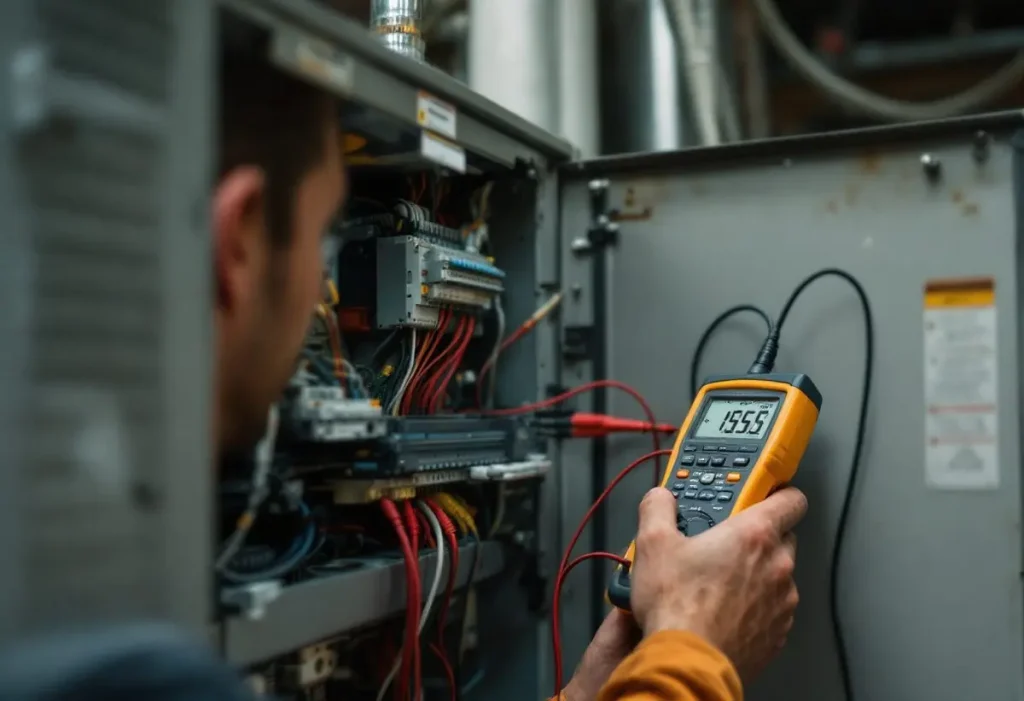
First the White-Rodgers click test: set COOL, lower the setpoint below room temperature and listen. The sheets allow “up to a five minute delay before the thermostat clicks in Cooling.” No click after a reset points to the thermostat; a click with no cooling points to the equipment. A technician then checks for the 24 volt cooling signal at the outdoor contactor and counts any Comfort Alert LED flashes. Stop at the thermostat cover: the contactor, capacitor and 240 volt wiring are technician work. Our thermostat wiring explainer covers what each low voltage terminal carries.
Frequently asked questions
Why is my Emerson thermostat AC icon blinking?
On a 1F78 or 1F78H the blinking snowflake means the compressor is locked out because cooling was called within 5 minutes of the last cycle; it stops after 3 to 5 minutes. On a 1F80-0261 the blinking snowflake means the thermostat is calling for cool, so check that the outdoor unit runs. Blue 1F85 and 1F95 models show the lockout as a flashing setpoint instead.
How do I reset an Emerson thermostat with a blank screen?
Replace the batteries first: 2 AA cells on Blue models, 2 AAA cells on a 1F78. If the screen stays blank, the Blue universal sheet says to remove the R and C wires without shorting them and pull the batteries for 2 minutes. A 1F78 resets by holding Up and Down while moving SYSTEM from OFF to HEAT. Both clear the installer settings.
Why is my Emerson AC thermostat not cooling with the snowflake on?
A steady snowflake only means COOL mode is selected. Lower the setpoint below room temperature and wait up to five minutes for the click White-Rodgers describes. If the thermostat clicks and the outdoor unit stays silent, the fault is in the equipment: the breaker, the outdoor disconnect or the 24 volt signal at the contactor. If it never clicks after a reset, replace the thermostat.
Is a flashing snowflake on a Sensi the same as on a White-Rodgers 1F model?
Not necessarily. Sensi is Emerson’s Wi-Fi line with its own support pages, while the 1F78, 1F80, 1F85 and 1F95 are non-Wi-Fi White-Rodgers models with printed instruction sheets. Even within White-Rodgers the snowflake means a lockout on the 1F78 but a call for cooling on the 1F80-0261, so read the model number before acting.
How we researched this
Researched 7 November 2026. We read ten White-Rodgers instruction sheets: 37-7052001 from Copeland’s server, 37-6920C from a retailer copy and eight archived ManualsOnline copies on archive.org. Every table row quotes a sheet we opened; models without an obtainable sheet, including the current 1F83C-11PR, are left out. We excluded the six ranking pages because none cites a manual. No prices appear here.
Sources
- Copeland (White-Rodgers). “1F83-0422PL, 1F85-0422PL, 1F85R-975 instructions, 37-7052001.” https://media.copeland.com/d8ab64ea-5605-4e47-ab22-b16d001d7970/0037-7052-Instructions-Universal%20Thermostat.pdf. Accessed November 2026.
- White-Rodgers. “1F83-0471, 1F85-0471, 1F85CA-0471 instructions, 37-6920C.” (retailer copy) https://cdn.shopify.com/s/files/1/2139/8037/files/1f83-0471-prior-to-adding-keypad-lockout-instructions-en-us-4209276.pdf. Accessed November 2026.
- White-Rodgers. “1F78 instructions, 37-6615A.” (archived copy) https://archive.org/download/manualsonline-id-48775037-01a0-49bd-93e8-a5626c7adfdf/48775037-01a0-49bd-93e8-a5626c7adfdf.pdf. Accessed November 2026.
- White-Rodgers. “1F78H instructions, 37-6448A.” (archived copy) https://archive.org/download/manualsonline-id-dcf029e8-958f-482c-8a1e-337eca356d14/dcf029e8-958f-482c-8a1e-337eca356d14.pdf. Accessed November 2026.
- White-Rodgers. “1F80-0261 instructions, 37-7009B.” (archived copy) https://archive.org/download/manualsonline-id-8d18b1e4-e46a-400f-8498-52c58cc1d78c/8d18b1e4-e46a-400f-8498-52c58cc1d78c.pdf. Accessed November 2026.
- White-Rodgers. “1F80-0471, 1F86-0471 instructions, 37-7248A.” (archived copy) https://archive.org/download/manualsonline-id-bf0d0e3f-262e-46e0-9ebd-d4ffbef23c7e/bf0d0e3f-262e-46e0-9ebd-d4ffbef23c7e.pdf. Accessed November 2026.
- White-Rodgers. “1F95-1277 instructions, 37-6753A.” (archived copy) https://archive.org/download/manualsonline-id-08c5bbce-d0ee-44fb-bb74-68d4fcfbdbf3/08c5bbce-d0ee-44fb-bb74-68d4fcfbdbf3.pdf. Accessed November 2026.
- White-Rodgers. “1F95EZ-0671 instructions, 37-6986A.” (archived copy) https://archive.org/download/manualsonline-id-32ce57a1-7074-4391-8ab3-250747d1016a/32ce57a1-7074-4391-8ab3-250747d1016a.pdf. Accessed November 2026.
- White-Rodgers. “1F83-51 instructions, 37-5916C.” (archived copy) https://archive.org/download/manualsonline-id-44068117-7f80-4f22-8e48-8c6d3aa172db/44068117-7f80-4f22-8e48-8c6d3aa172db.pdf. Accessed November 2026.
- White-Rodgers. “1F95-0671 instructions, 37-6979A.” (archived copy) https://archive.org/download/manualsonline-id-7aed3837-ed1e-486a-8c43-71cc0026add6/7aed3837-ed1e-486a-8c43-71cc0026add6.pdf. Accessed November 2026.
Leave a Reply