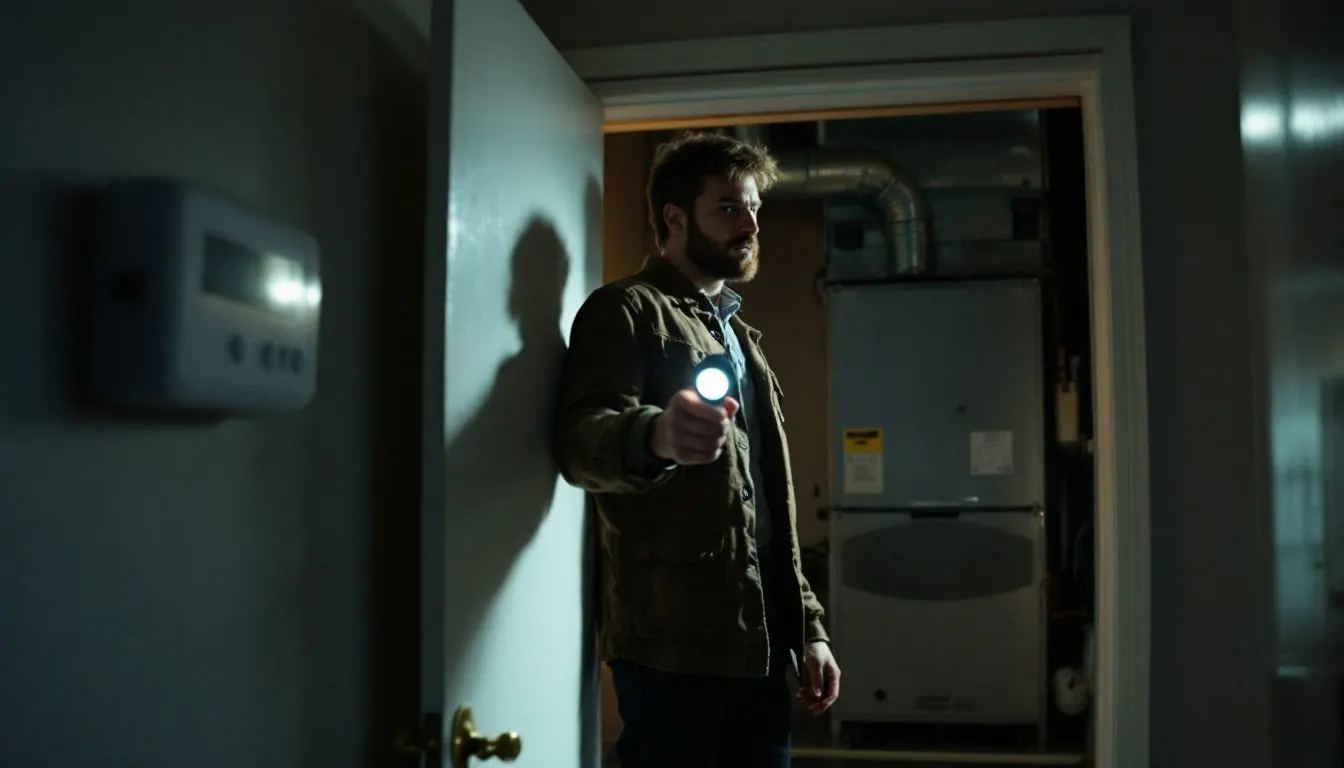
Thermostat says Cool On but AC not running? The screen proves only that the thermostat is asking. If Cool On flashes, wait 5 minutes. If it stays steady, check what runs: nothing points to indoor power, the fan alone points to the outdoor circuit, the outside unit alone points to the blower.
Which is it: nothing running, only the indoor fan, or only the outside unit?
Give the system 5 minutes, then feel a supply vent and listen at the outdoor unit. Those two observations pick a row. Technician rows tell you which reading to ask for. A blank or misreading screen is a separate fault that our thermostat troubleshooting guide owns, and a system with no Cool On at all belongs with an AC that will not turn on.
| What runs | Next test | Reading | What it means | Document |
|---|---|---|---|---|
| Nothing yet, Cool On flashing | Owner: wait, change nothing | Stops flashing and starts within 5 minutes | Compressor protection delay, normal | Resideo RTH6360 |
| Nothing, Cool On steady | Owner: set fan switch to On | Blower stays silent | Control or blower power lost: breaker, furnace switch, blower door, float switch on R, 3 amp fuse, transformer | Goodman; RectorSeal SS1 |
| Nothing, Cool On steady | Owner: set fan switch to On | Blower starts | Power and blower work, so the cooling call is stuck at the thermostat or Y wire | Our inference from Goodman wiring check |
| Indoor fan only | Owner: outdoor breaker, disconnect handle by eye | Breaker tripped or handle pulled | Line voltage never reaches the contactor | Goodman GSXN4 |
| Indoor fan only | Technician: 24 VAC at contactor coil | No 24 VAC | Y circuit open before the coil: float switch on Y, pressure switch, broken wire | RectorSeal SS1; RXAB-A04 sheet; ACHR News |
| Indoor fan only | Technician: same reading | 24 VAC present, contactor not pulled in | The contactor itself | ACHR News, our inference |
| Indoor fan only | Technician: L1 to L2 at contactor | Outside 197 to 253 V on a GSXN4 | Supply fault: work back through disconnect and breaker | Goodman GSXN4; ACHR News |
| Indoor fan only | Technician: contactor closed, voltage good | Motors still not running | Run capacitor next, then a hot compressor on internal overload | ACHR News |
| Outside unit only | Owner: watch past the blower delay, then set system to Off | No air after 5 seconds on a Goodman single stage | Blower, motor or board fault | Goodman sequence of operation |
Compiled by The HVAC Brief from the documents named in the last column, November 2026. Goodman readings apply to the models named.
Is Cool On flashing or steady, and how long should you really wait?
Flashing is a deliberate hold, and 5 minutes is the Honeywell Home figure. Sensi runs the same delay under the name A/C Protection and flashes the Set To temperature while it counts down, as the Sensi thermostat flashing guide explains. The Resideo RTH6360 guide says: “Compressor protection feature is engaged. Wait 5 minutes for the system to restart safely, without damage to the compressor.” Not every screen flashes. The FocusPRO P200 and S200 manual shows WAITING FOR EQUIPMENT during the delay and COOL ON when it is running cool, so a steady COOL ON there is a live call.
Carrier puts the delay at 3 to 5 minutes and treats a longer wait as a sign of a fault, and warns that switching the thermostat off restarts the timer. The same hold applies when power returns, a common reason for an AC not working after a power outage in its first few minutes. Five minutes is not universal: the ecobee Smart manual lets the installer set compressor off time from 240 to 900 seconds, and 900 seconds divided by 60 is 15 minutes.
Why does the screen still say Cool On when the AC has no power?
Because many screens do not run on the system’s power. Resideo writes of the RTH6360: “C does not power the thermostat display or operations; batteries are always required.” Goodman’s service instructions list a thermostat that displays “Battery Power” among the symptoms of an open furnace fuse. So Cool On reports an attempt, and delivery has to be proved at each point below. The reverse case, a Honeywell screen gone dark, turns on which of those power sources the model uses, as the Honeywell thermostat blank screen checks show by model.
Thermostat says cool on but not running at all: did the 24 volts disappear?
Either the 24 volts disappeared or the call never left the thermostat, and the fan switch separates the two. On the RTH6360, fan On means “Fan is always on”, even with the system set to Off. If the blower starts, the transformer, fuse, door switch and blower all work, which leaves the thermostat or the Y wire. A system with no wire on the G terminal will fail this test falsely.
If the blower stays silent, work Resideo’s own list: “Check circuit breaker and reset if necessary”, confirm the power switch at the equipment is on, and make sure the furnace door is closed securely. Then check the drain. The RectorSeal SS1 data sheet says a float switch on the red wire “shuts down entire unit”, so a backed-up pan can silence everything. A full pan sends you to clearing the drain line.
The technician reading is R to C at the board, which Goodman says “Must read 24 VAC”. No voltage “indicates faulty transformer, open fuse, bad wiring, bad splice, or open door interlock switch.” Goodman codes an open fuse as E5, names a short in low voltage wiring as the cause and says to replace it with a 3-amp automotive type fuse. Find the short first or the new fuse blows too. We found no 5 amp rating in these documents, so read the one printed on your board.
Thermostat says cool on but outside unit not running: breaker, float or contactor?
A running fan proves the indoor side has power, so the fault is the outdoor supply or the Y circuit. The outdoor unit has its own 208/230 volt supply: the Goodman GSXN4 sheet lists maximum overcurrent protection from 15 A at 1.5 tons to 50 A at 5 tons. Check that breaker separately. If it trips again, read why an AC keeps tripping the breaker. Then check the disconnect handle by eye without opening the box.
Two low voltage devices fake a dead unit. RectorSeal says that with the SS1 float switch on the yellow wire the “fan continues to run”, by design, to inhibit mold. The RXAB-A04 high pressure control instructions wire the control into the lead at the contactor coil and note that automatic reset switches have no push button, so a manual type waits for someone to press it. Either device keeps the contactor out while Cool On stays lit. Many Honeywell screens add one more layer, numbered alerts that can name the fault themselves, as the Honeywell thermostat error codes show.
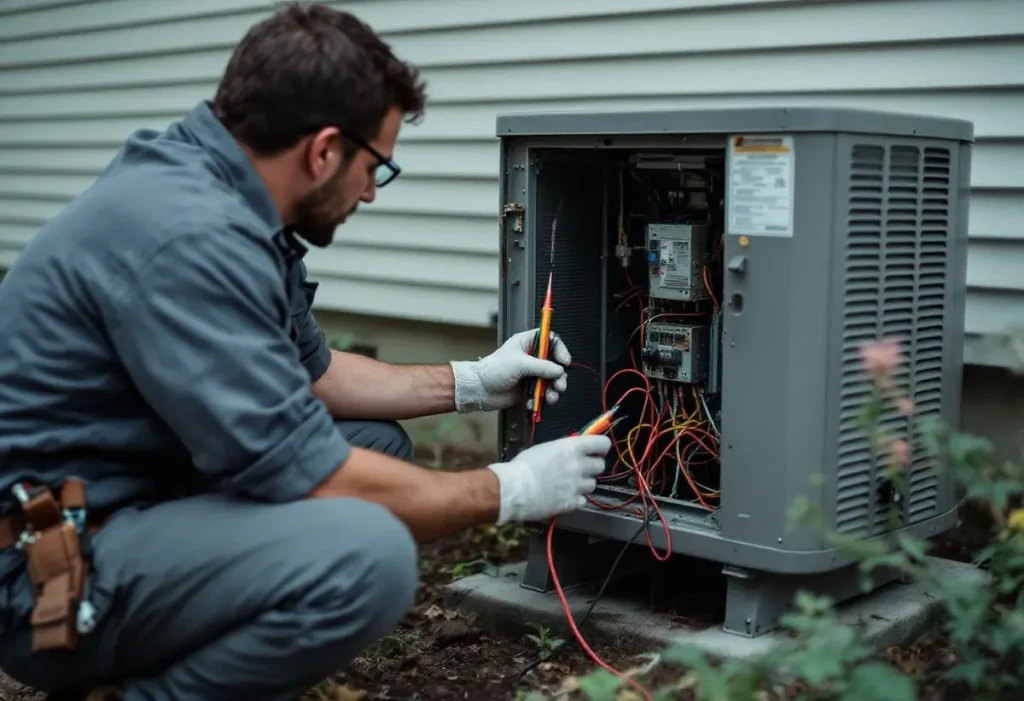
A technician follows the order in Dave Spates’s ACHR News article: 24 volts at the coil of the contactor, where no voltage means “your problem is outside of the condensing unit”. Next comes L1 to L2 against the nameplate, 197 to 253 V on a GSXN4. “If one side has power and the other doesn’t, replace the contactor.” After that comes the run capacitor, then compressor temperature, because a hot compressor can sit off on internal overload.
Thermostat says cool on but fan not running: how long can the outside unit run alone?
A few seconds at most on the system we could document. Goodman’s single stage sequence energizes the outdoor fan and compressor first, then starts the blower “following a fixed five (5) second on delay”. Past that, set the system to Off, because with no airflow the coil can end up freezing. Then try fan On: a blower that stays silent on both settings is the case our page on an outside unit running with the inside fan off works through.
Where should a homeowner stop, and which readings should you ask for?
Stop at the disconnect handle. An owner can set the thermostat mode and fan switch, reset each breaker once, check the furnace switch, door and filter, and look at the pan. Goodman marks its furnace tests “LINE VOLTAGE NOW PRESENT” and limits service to a “qualified service technician”, so panels, jumpers, capacitors and the inside of the disconnect are off the list. Never bypass a float or pressure switch. Ask for three numbers on the invoice:
- R to C at the board, expected 24 VAC.
- Coil voltage at the contactor during the call, expected 24 VAC.
- L1 to L2 at the contactor, compared with the nameplate.
Frequently asked questions
Thermostat says cool on but unit not running after a power outage: what should I do?
Wait out the delay before touching anything. Carrier says a power outage, tripped breaker or surge can trigger delay mode, and that turning the thermostat off restarts the timer. Resideo gives 5 minutes on the RTH6360. If nothing starts after that, check whether the outage tripped either breaker, then use the fan switch test.
Thermostat says cool on but AC not running: is it always a bad capacitor?
No. A capacitor only matters once the contactor has closed, which is the fourth step in the ACHR News sequence, after 24 volts at the coil and line voltage at L1 and L2. We found no maker or federal source that ranks causes by frequency, so “most common part” claims are unsourced opinion.
Can a dirty filter make the thermostat say cool on with the AC not running?
Carrier says so: a severely clogged filter can cause the AC to overheat and shut down, and some systems will lock out with Cool On showing until the unit cools down and the filter is replaced. Replace it, then wait out the 5 minute delay.
What does a Nest thermostat show instead of cool on when the AC is not running?
A blue screen. Google says the screen turns blue when you want cooling and that a color change means the thermostat is “trying to turn your system on”. It lists a blue screen with no system start as a symptom that may need professional maintenance. “Delayed” or “Starts in” is a separate message, and Google does not call it compressor protection.
How we researched this
In November 2026 we read the ten documents listed below; the RXAB-A04 sheet prints no brand, and the Gemaire copy is filed as Rheem. We excluded the contractor blogs and content sites that rank for this query, because none cites a document. The fan switch test and Y to C reading are our inferences. We ran no field tests.
Sources
- Resideo. “RTH6360 Series Programmable Thermostat guide, 33-00201EF.” https://digitalassets.resideo.com/damroot/Original/10015/33-00201EF.pdf. Accessed November 2026.
- Honeywell Home. “FocusPRO P200 and S200 Series Installation Manual: Troubleshooting and Support.” https://docs.honeywellhome.com/focuspro-p200-s200-im/en-us/Content/Installation-Manual/Troubleshooting%20and%20Support.htm. Accessed November 2026.
- Carrier. “Cool On Flashing on Thermostat: What It Means and How to Fix It.” https://www.carrier.com/us/en/residential/hvac-resources/smart-thermostats/cool-on-flashing-on-thermostat/. Accessed November 2026.
- Google. “Troubleshoot strange heating or cooling behavior.” https://support.google.com/googlenest/answer/9235232?hl=en. Accessed November 2026.
- ecobee, via ManualsLib. “ecobee Smart manual, page 13, Min Cycle Off Time.” https://www.manualslib.com/manual/744513/Ecobee-Smart.html?page=13. Accessed November 2026.
- Goodman. “Service Instructions: 80%, 90%, 95% Gas Furnaces and Accessories.” https://s3.amazonaws.com/s3.supplyhouse.com/product_files/Goodman-GMS951155DXA-Install-Instructions.pdf. Accessed November 2026.
- RectorSeal. “Safe-T-Switch SS1 product data sheet.” https://www.budgetheating.com/content/files/downloadables/ss1%20tech%20specs.pdf. Accessed November 2026.
- Goodman. “GSXN4 specification sheet, SS-GSXN4.” https://cdn.shopify.com/s/files/1/0766/1171/5363/files/GSXN402410.pdf. Accessed November 2026.
- Distributor copy (Gemaire), filed as Rheem. “Installation Instructions for RXAB-A04 High Pressure Control Package, 92-22032-07-01.” https://resource.gemaire.com/is/content/Watscocom/Gemaire/rheem_rxab-a04_article_1386942076607_en_ii.pdf?fmt=pdf. Accessed November 2026.
- Dave Spates, ACHR News. “Troubleshooting Single-Phase Residential Compressors.” https://www.achrnews.com/articles/141875-troubleshooting-single-phase-residential-compressors. Accessed November 2026.
Leave a Reply