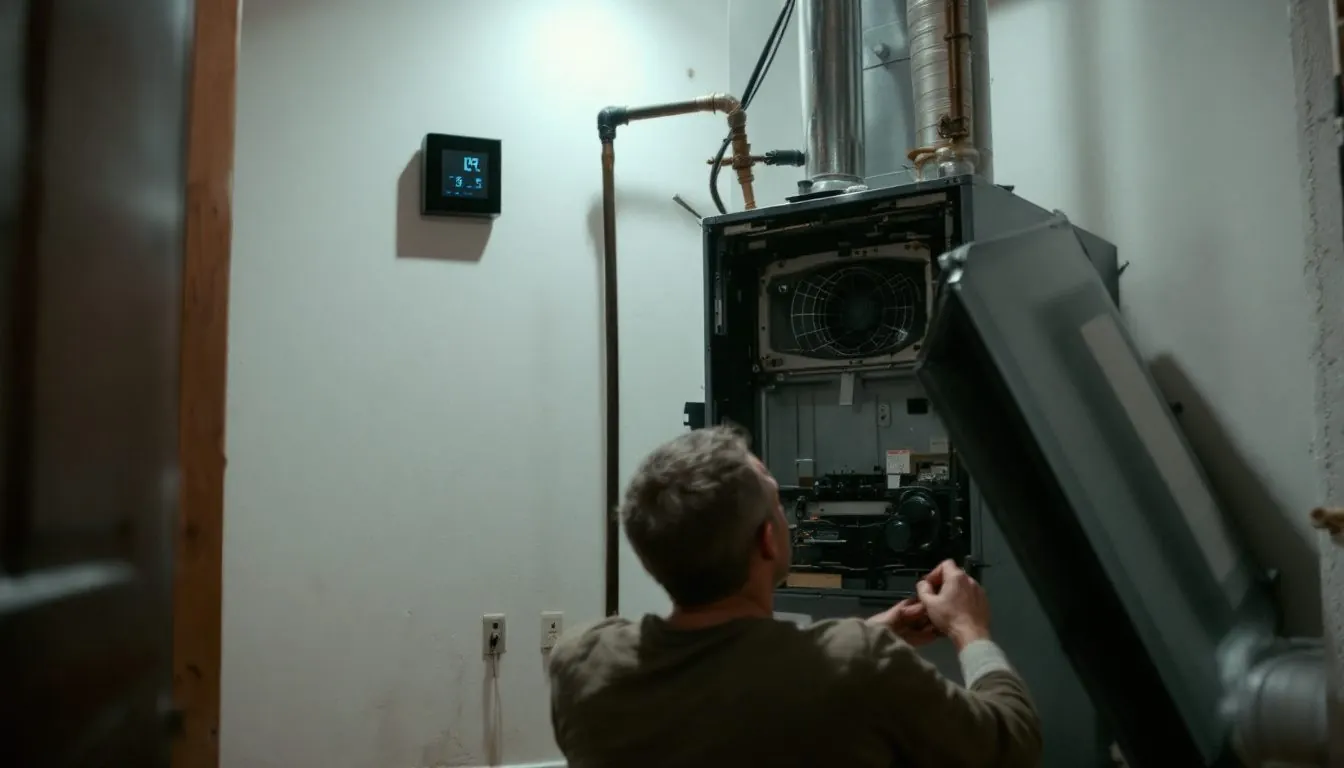
An ecobee thermostat blank screen means one of two things: a display setting switched the screen off, or the thermostat lost its 24 volt supply, because no ecobee has a battery. If a touch wakes it, change the setting. If not, check the breaker, furnace door, 3 or 5 amp board fuse and float switch.
When does your ecobee screen go black, and which cause does that timing point to?
The moment it goes dark sorts the cause. ecobee says the thermostat has “no internal power source” and runs on the 24 volts from your furnace or air handler (ecobee power troubleshooting), so every row but the first two is a break in that 24 volt circuit.
| When the screen is black | What ecobee says causes it | Your check | What a technician measures |
|---|---|---|---|
| Between touches; a tap brings it back | Standby Screen Brightness set to off | Raise it in Preferences | Not a fault |
| Only overnight | “Screen sleeps when in Sleep Comfort Setting” is checked | Uncheck it | Not a fault |
| Never lit since the install | R or Rc and C not landed, or PEK miswired | Reseat on the base until it clicks | 24 to 29 VAC between R or Rc and C |
| Goes dark during a heat call, returns later | Furnace overheating trips a safety | Replace the filter | Limit switch, airflow |
| Goes dark during cooling, returns later | Float switch cut power on a blocked drain | Clear the drain | Continuity through the float switch |
| Boiler or zone valves calling heat | Transformer VA rating too small for the load | Note which zones were calling | Load vs VA rating; separate 24 V 40 VA transformer |
| Black all the time, nothing runs | Breaker, open furnace door, 3 or 5 amp fuse | Breaker, door, fuse (power off) | Transformer output, shorted wire |
Compiled by The HVAC Brief from four ecobee support articles (power issues, rebooting, Power Extender Kit, Preferences), read November 2026.
Does the screen wake when you touch it? Two ecobee settings turn it off on purpose
If one tap brings the home screen back, the thermostat has power and a setting blanked it. ecobee’s Preferences article says Standby Screen Brightness “you can disable it entirely by selecting off from the scroll bar,” and a separate checkbox, “Screen sleeps when in Sleep Comfort Setting/Mode,” shuts the screen off for the whole Sleep period (ecobee Preferences article).
The menu path differs by model: Main Menu, then General, then Preferences on most ecobees, and Main Menu, then Preferences on the Smart Thermostat Lite and Smart Thermostat Essential. Active to Standby Screen Timer on the same screen sets how long full brightness lasts after the last touch.
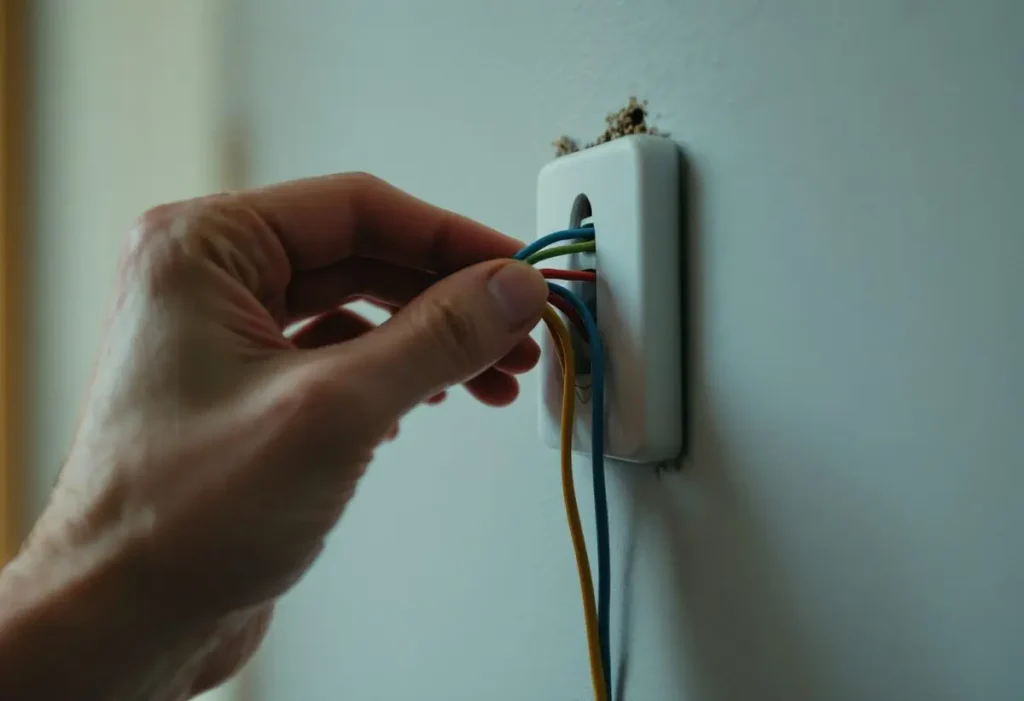
Blank since the day it went on the wall: is your model fed from R or Rc, and is C landed?
A new install that never lights has no voltage across the two power terminals your model uses. Only the original ecobee3, discontinued in 2018, “can power on using Rc or the Rh terminal” per ecobee.
| Model | Screen powered through | Power Extender Kit | Maker draw | Amps at 24 V (our calc) |
|---|---|---|---|---|
| Smart Thermostat Premium | C and Rc | In the box | Up to 3.5 VA | 0.146 A |
| Smart Thermostat Enhanced | C and R (terminal list; spec line says Rc) | In the box | Up to 3.5 VA | 0.146 A |
| Smart Thermostat Essential | C and R | Sold separately | Less than 3 VA | under 0.125 A |
| Smart Thermostat Lite | C and Rc | Sold separately | Less than 3 VA | under 0.125 A |
| ecobee3 lite, ecobee4 | C and Rc (PEK wiring table) | Not stated in pages read | Not in pages read | n/a |
| ecobee3 (discontinued 2018) | Rc or Rh, the one exception | Not stated in pages read | Not in pages read | n/a |
Compiled by The HVAC Brief from the ecobee Premium, Enhanced, Essential and Lite spec pages and ecobee’s power and PEK support articles. HVAC Brief calculation: amps equal VA divided by 24 V, so 3.5 / 24 = 0.146 A and 3 / 24 = 0.125 A.
That last column matters when a fuse is blown. A 3 amp board fuse carries about 20 times the 0.146 A a Premium draws (3 / 0.146 = 20.6), so the thermostat itself cannot open the fuse; a shorted or pinched wire or a misplaced PEK lead is the usual suspect. The Enhanced spec page is internally inconsistent: its powering line reads “Wired 24VAC through terminals C and Rc,” but its terminal list has R and no Rc, and ecobee’s PEK article wires the Enhanced R wire “to the R terminal.” Trust the label printed on your base.
With no C wire, the PEK goes at the furnace board. ecobee’s PEK instructions wire Y to the PEK terminal on the Premium and ecobee4, to PEK+ on the Enhanced, and to G on the Lite, and they warn the kit “is not compatible with Dual Transformer systems, or Heat Only systems.” Our thermostat wiring color guide explains why color alone misleads, and the ecobee vs Nest comparison covers how Nest solves the same missing C wire differently.
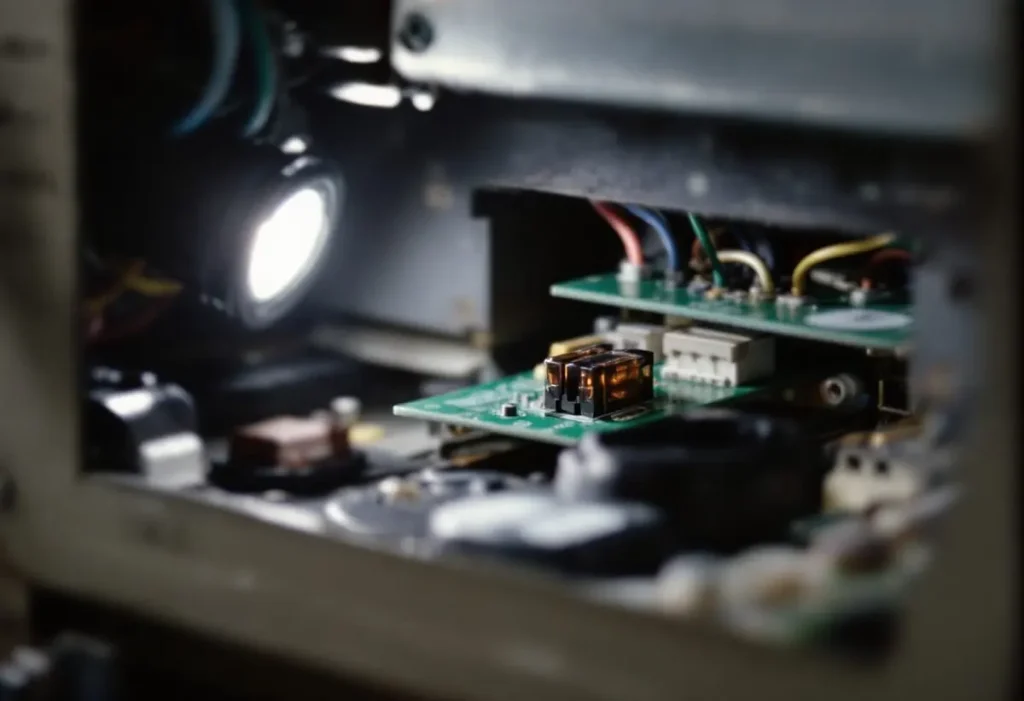
Was working, now completely blank: where did the 24 volts stop?
When a working ecobee goes dark and stays dark, follow the 24 volt path from the breaker to the base; ecobee’s troubleshooting lists the breaker, the furnace door, the 3 or 5 amp board fuse and the float switch in that order.
Owner steps stop at the breaker, the door panel and a fuse check with the breaker off; ecobee says to use “a new fuse of the same amperage.” A second blown fuse, a repeat breaker trip or any 120 volt work belongs to a technician, who reads 24 to 29 VAC between R or Rc and C at the base, then works upstream: transformer output, fuse, each safety switch. Our HVAC transformer guide covers how that output is tested and why transformers fail, and thermostat not working sorts other thermostat symptoms.
Black only during a heat call or only during cooling: why does the ecobee keep rebooting?
An ecobee that blanks and restarts, sometimes showing a “calibrating” message, is losing 24 volts while the equipment runs, and ecobee’s rebooting article splits the causes by mode. During cooling, a blocked condensate line fills the pan and a float switch or condensate pump cuts power; “once this water drains the HVAC and therefore ecobee will power back on.” During heating, an overheating furnace trips its safety equipment; ecobee names clogged filters first.
One nuance the support pages do not reconcile: the power troubleshooting article says a tripped high limit turns the furnace “and therefore the ecobee” off, while the rebooting article says that on gas and propane furnaces “the burner circuit and power circuits are usually separate,” so the ecobee keeps requesting heat while the burner sits out. Our furnace limit switch explainer covers how that switch trips and resets, and the condensate pump guide covers the cooling side.
ecobee’s System Monitor shows power losses as data gaps in runtime reports, preceded by a cooling or heating request. Boilers and zoned systems add a third cause. ecobee says “For most boiler systems, a separate 24v 40va transformer will be required for the ecobee,” and the same applies “In a zone valve system with more than 3 zones.”
Blank after a power outage, or stuck showing “hi”?
The ecobee restarts itself when the furnace or air handler gets power back. In ecobee’s own product videos the Premium and Enhanced screens show “hi,” then a white circle, then the temperature as they start, so a screen that flashes “hi” again and again is restarting each time power drops, not reporting an error.
If the house lights are back but the ecobee is still black after an outage, the outage tripped something on the 24 volt chain: the HVAC breaker, or the 3 or 5 amp board fuse. Work the same chain as above. Our guide to an AC not working after a power outage covers the outdoor unit.
Flashing green, yellow or red light on an ecobee: is that a power problem?
No. A colored light on an ecobee with Alexa built in (Smart Thermostat Premium, SmartThermostat with voice control, ecobee4) is an Alexa status,, and a lit light proves the thermostat has power. ecobee’s Alexa troubleshooting says a flashing green “light pipe or light ring” means a notification; say “Alexa, what did I miss?” to clear it.
ecobee’s Alexa Communication article adds that an incoming call rings and lights up green, and an incoming message brings “a chime and a yellow light bar on SmartThermostat with voice control.” None of the ecobee pages we opened defines a red light on a thermostat, so we do not assign it a meaning. Google uses its own color scheme on Nest models; see the Nest blinking light codes.
Frequently asked questions
Does an ecobee thermostat have a battery?
No. ecobee states that its thermostat “has no internal power source”; it runs on 24 volts from the furnace or air handler through the C and R or Rc terminals. So it goes black whenever the HVAC breaker trips, the furnace door is open or the 3 or 5 amp board fuse blows.
What voltage should an ecobee thermostat read between R and C?
ecobee says a voltmeter across the RC or R and C wires at the thermostat should read between 24 and 29 VAC. Zero volts means the supply stopped upstream at the breaker, door switch, fuse, float switch or transformer. A normal reading with a black screen points to the base connection or the thermostat itself.
Why is my ecobee thermostat completely blank but the furnace still runs?
If the blower and burner still respond, the transformer is working, so the break is between the board and the base: the C wire, a PEK lead, or the thermostat not clicked onto its base. ecobee says to push excess wire back into the wall so there is no gap between thermostat and base.
Can I reboot an ecobee thermostat when the screen is blank?
Yes, by cutting its power: pull the thermostat straight off the base and click it back on, or switch the HVAC breaker off and on once. With no internal battery, removing it from the base removes all power. ecobee shows the restart as “hi,” then a white circle, then the home screen.
How we researched this
On 7 November 2026 we read seven ecobee support articles (power troubleshooting, rebooting, Power Extender Kit, Preferences, float switch, Alexa troubleshooting, Alexa Communication) by rendering them in a headless browser, and the current ecobee spec pages for the Smart Thermostat Premium, Enhanced, Essential and Lite, including their video transcripts. Amps are our calculation. We excluded the ranking third-party pages as sources: none cited ecobee, and some advised a power button or battery that ecobee hardware lacks. No ecobee document we found gives legacy power draws or a red light meaning. Comparable pages: Honeywell thermostat blank screen.
Sources
- ecobee. “How to troubleshoot ecobee thermostat power issues.” https://support.ecobee.com/s/articles/My-ecobee-thermostat-won-t-turn-on-How-can-I-troubleshoot. Accessed November 2026.
- ecobee. “Why is my ecobee thermostat rebooting?” https://support.ecobee.com/s/articles/Why-is-my-ecobee-rebooting. Accessed November 2026.
- ecobee. “Installing your ecobee thermostat with the Power Extender Kit (no C wire).” https://support.ecobee.com/s/articles/Installing-your-ecobee-thermostat-with-the-Power-Extender-Kit-no-C-wire. Accessed November 2026.
- ecobee. “How to adjust the preferences on your ecobee thermostat.” https://support.ecobee.com/s/articles/How-to-adjust-the-preferences-on-your-ecobee-thermostat. Accessed November 2026.
- ecobee. “Sorry, I need a minute and other Alexa issues.” https://support.ecobee.com/s/articles/Sorry-I-need-a-minute-and-other-Alexa-issues. Accessed November 2026.
- ecobee. “What is Alexa Communication and how do I use it with ecobee SmartThermostat with voice control?” https://support.ecobee.com/s/articles/What-is-Alexa-Communication-and-how-do-I-use-it-with-ecobee-SmartThermostat-with-voice-control. Accessed November 2026.
- ecobee. “Smart Thermostat Premium” (specifications and video transcript). https://www.ecobee.com/en-us/smart-thermostats/smart-thermostat-premium/. Accessed November 2026.
- ecobee. “Smart Thermostat Enhanced” (specifications and video transcript). https://www.ecobee.com/en-us/smart-thermostats/smart-thermostat-enhanced/. Accessed November 2026.
- ecobee. “Smart Thermostat Essential” (specifications). https://www.ecobee.com/en-us/smart-thermostats/smart-thermostat-essential/. Accessed November 2026.
- ecobee. “Smart Thermostat Lite” (specifications). https://www.ecobee.com/en-us/smart-thermostats/smart-thermostat-lite/. Accessed November 2026.
Leave a Reply