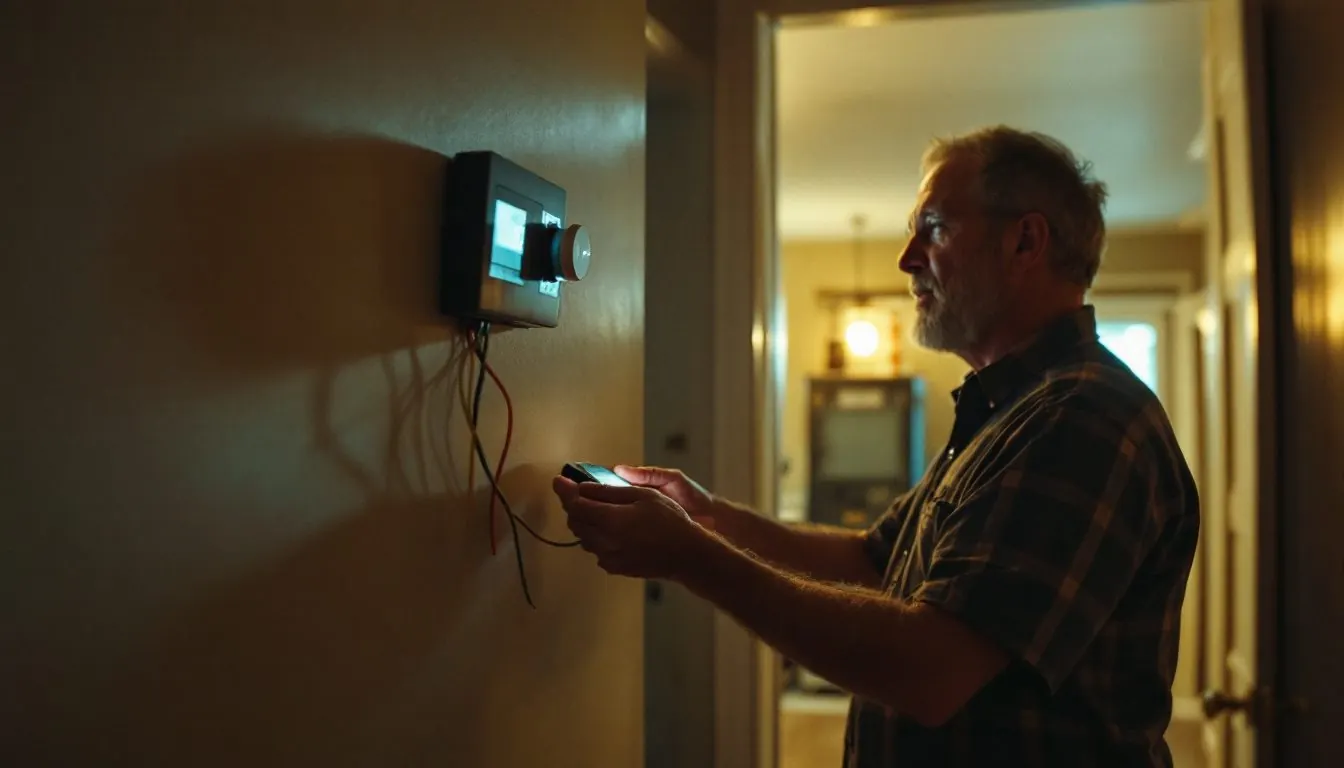
A Carrier thermostat blank screen means the display lost its power source, and the source depends on the line. Comfort Series models run on two AA batteries or 24 VAC. Edge and Côr models run on 24 VAC only. Infinity controls draw 24 VAC from the furnace or fan coil, so check the indoor unit first.
Which Carrier thermostat is on your wall, and what powers its screen?
Find the model number on the back of the display, then its row. Carrier publishes a different power design for each line.
| Carrier line | Model numbers | What powers the screen | Batteries? | First reading when blank |
|---|---|---|---|---|
| Comfort Series | TC-PAC, TC-NAC, TC-PHP, TC-NHP | Two AA alkaline cells or 24 VAC, switching automatically | Yes; required when no C wire is connected | Fresh AA cells, then 24 VAC from R to C |
| Edge (Performance Series AC/HP) | TP-PAC, TP-PHP, TP-NAC, TP-NHP | 24 VAC only, Rh and/or Rc plus C | No | 24 VAC at Rc/Rh to C; on a two-piece install, 12 to 20 VDC between V+ and Vg |
| Edge Thermidistat | TP-PRH, TP-NRH | 24 VAC only | No | Same two readings as the Edge AC/HP |
| Côr Wi-Fi | TP-WEM01 | 24 VAC between Rc or Rh and C | None described in the guide | 24 VAC between Rc and C or Rh and C |
| Infinity Control | SYSTXCCUID01-B | 24 VAC on the C and D terminals of the ABCD bus, from the indoor unit | No | Amber LED on the indoor board, then 24 VAC from C to D, then the board fuse |
| Infinity System Control | SYSTXCCITC01-B, SYSTXCCWIC01-B, SYSTXCCITC01-C, SYSTXCCWIC01-C | 24 VAC on ABCD: C white (common), D red (hot) | No | Touch the screen first, because the backlight can be set to OFF |
Comfort Series screen blank: are the two AA batteries the whole story?
Only if no C wire is connected. Carrier’s Comfort Series instructions (TC-PAC-06SI) call every TC model “dual powered”: it runs from two alkaline AA batteries or from 24VAC, and “battery operation will occur only when 24VAC power is not present.”
With no common wire, the cells are the only supply; Carrier rates a set at up to one year. With a C wire and cells installed, a dark screen means the 24 volt supply is gone and the cells are flat too, so fresh AA cells bring the display back while the 24 volt fault is traced. Without cells, the clock runs for 8 hours on power loss.
A dim display is not a dead one: the high level backlight stays on for 10 seconds after a key press, and the continuous low level (Option 18) works only on 24VAC.
Why is a Carrier Edge thermostat blank when it has no batteries at all?
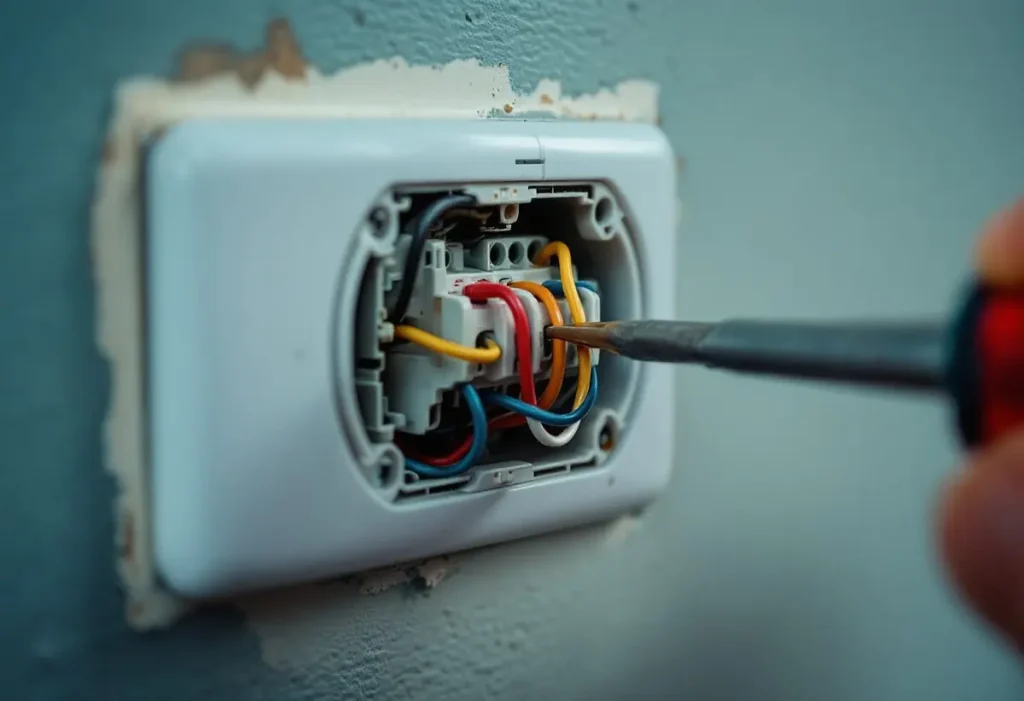
Because the Edge has no battery path: Carrier’s Edge AC/HP instructions (TP-PAC-06SI) say the control “is powered by 24VAC only” and “will not operate without” the Rh and/or Rc and C connections. Settings survive a power loss and the clock runs for at least 24 hours.
On a two-piece Edge, the wall display reaches an equipment control module near the furnace over two wires, V+ and Vg, which “do not provide ordinary 24VAC.” Carrier’s order: confirm 24VAC at Rc/Rh and C; if present, measure V+ to Vg, which should read approximately 12 to 20 VDC; if that is present, check polarity, because “the display will not power up if polarity is reversed.” The Edge Thermidistat manual (TP-PRH-07SI) repeats the same three steps for TP-PRH and TP-NRH models.
Côr screen dark: where did the voltage between Rc and C go?
The Côr TP-WEM01 needs the C wire. Carrier’s Côr installation guide (TP-WEM-04SI) sends any home without a wire on C to its advanced installation instructions,, and its list for a thermostat that “does not power on” has four steps.
With the system off, check every wire is seated and tug each lightly; confirm power at the indoor equipment switch and the panel; measure AC voltage between Rc and C or Rh and C, which should be 24V AC; then call 1.800.CARRIER or a dealer. If the meter reads zero at the wall, the fault is upstream in the 24 volt transformer, the board fuse or the wiring run, not in the Côr.
Carrier Infinity thermostat blank: backlight setting or lost power?
Touch the screen first. The current Infinity System Control owner’s manual (OMSYSTXCCITC-VC-03, 02/25, SYSTXCCITC01-C) lets the owner program backlight levels for each Comfort Profile (Home, Away, Wake, Sleep), with brightness choices of OFF or 1 to 10. After 30 seconds of inactivity the backlight returns to the selected level, “which may be OFF.” A screen that lights on touch is a setting.
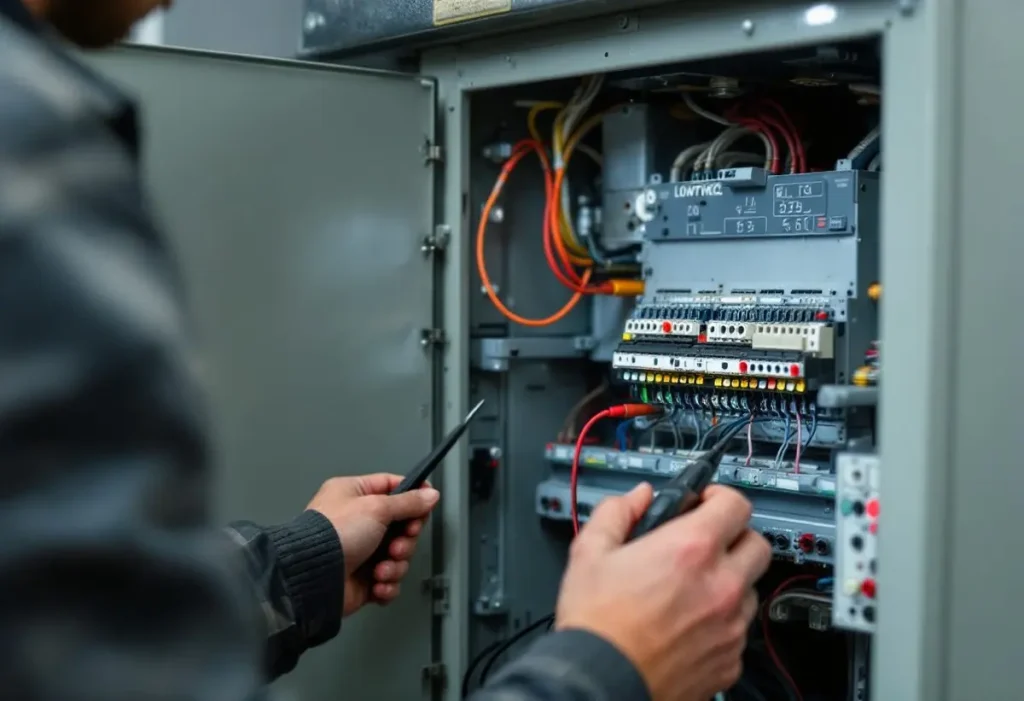
If touch does nothing, the control has lost its 24 volts from the indoor unit. The System Control installation instructions (SYSTXCCITC-08SI) define a four-wire ABCD bus with A green (Data A+), B yellow (Data B-), C white (24VAC common) and D red (24VAC hot). Carrier’s Infinity Control troubleshooting (UID01-5SI) checks, for a control that “does not power up”: ABCD wiring and matching colors, the amber LED lit on the indoor board, 24VAC between C and D, then the indoor board fuse.
On an Infinity ICS furnace, that fuse is a 3-amp automotive type, and Carrier’s 58MVC service manual says the furnace LED flashes status code 24 when it needs replacing. A blown fuse means a short, so find it first. Our page on reading Carrier flash codes counts that 2 short, 4 long pattern, and the furnace control board guide shows where the fuse sits.
The same manual’s chart starts at the amber LED: if it is off, the technician checks for 115V at L1 and L2, a closed blower door switch, and 24V at SEC-1 and SEC-2. The door switch opens 115-volt power to the control, so a loose blower door alone can blank an Infinity screen. Readings at 115 volts are the stop line for owners.
What does “System Malfunction” on a Carrier Infinity thermostat mean?
A component has logged a fault Carrier flags on the main screen; UID01-5SI sends the technician to the Last 10 System Events screen in the Service Menu to find which. Furnace faults on the list include code 13 (limit circuit lockout), code 14 (ignition lockout), code 21 (gas heating lockout) and code 24 (secondary voltage fuse open). The control also raises it for indoor or outdoor unit communication faults and a possible frozen coil.
Dismissed with the right side button, “SYSTEM MALFUNCTION” replaces the day and time, and the full notice returns if the error has not cleared within 24 hours.
Is a flashing COOL ON or an E3 on a Carrier thermostat a fault?
A flashing COOL ON is a timer. The Edge manual says “while cooling equipment operation is delayed by the timeguard or cycle timer, COOL ON will flash,” and the same applies to HEAT ON. The five-minute compressor timeguard holds the compressor off until it has been off for at least 5 minutes, and the cycle timer adds 30, 15 or 10 minutes between starts at 2, 4 or 6 cycles per hour. Comfort models flash their icons for the same reason. If the icon stops flashing and nothing runs, work through a steady Cool On with no cooling.
| Display | Carrier meaning | Applies to | Remedy Carrier states |
|---|---|---|---|
| Two dashes for room temperature | Room sensor cannot be read (Edge: all outputs except fan turn off) | Edge and Comfort | Comfort: replace the thermostat |
| E1 | Display module and equipment control module cannot communicate over the two-wire link | Two-piece Edge | Not stated |
| E2 | Carrier: “There is no E2 error message” | Edge | None |
| E3 | Outdoor temperature cannot be read when needed; dashes show in the outdoor temperature spot | Edge | Not stated |
| E4 | Internal memory failure | Edge and Comfort | Replace the control |
| E5 | Humidity cannot be read | Edge Thermidistat | Replace the Thermidistat |
Carrier thermostat blank screen reset: what survives a power cycle?
A reset fixes nothing while the power fault remains. On power up, Edge models light every display segment and Comfort models light every icon for 2 seconds. Edge latching relays “remain in their last position until power is restored,” so a blank Edge can leave the AC running.
Infinity controls recommission only through the installer menu’s re-install. For bus faults, Carrier says to remove every device from the ABCD bus except the indoor unit and the control, then add them back one at a time. After an outage, the power outage restart order applies before any thermostat reset, and the Honeywell owners’ version of this problem sits on our Honeywell blank screen page.
Frequently asked questions
Why is my Carrier Infinity thermostat flashing a blue light or a red light?
None of the Carrier documents we opened, including the SYSTXCCITC-08SI installation instructions and the 02/25 OMSYSTXCCITC-VC-03 owner’s manual, defines a red or blue status light on the Infinity wall control. The lights Carrier does define are on the indoor unit: the 58MVC furnace board uses an amber STATUS LED that flashes two-digit codes. Read that board before replacing the thermostat.
Why is my Carrier thermostat screen blank but the AC is still running?
Carrier’s Edge manuals explain it: the thermostat uses latching relays, which “remain in their last position until power is restored.” A dark Edge can therefore leave cooling on. Shut the system off at the equipment switch or breaker, then check 24VAC at Rc/Rh and C, and on two-piece models 12 to 20 VDC between V+ and Vg.
Does a Carrier Infinity thermostat use batteries?
No battery power path appears in Carrier’s Infinity documents. The SYSTXCCITC-08SI instructions power the control over the ABCD bus, with C as 24VAC common and D as 24VAC hot, both supplied by the furnace or fan coil. Of the lines covered here, only the Comfort Series takes two AA cells.
Carrier thermostat blank screen no batteries: what should I check?
Edge, Côr and Infinity controls have no batteries, so a blank screen means 24 volts is missing. Check the furnace switch and breaker, a closed blower door, and the board fuse, which on Carrier’s 58MVC furnace is 3-amp and flashes code 24 when open. Then confirm 24VAC at the thermostat: Rc or Rh to C, or C to D on Infinity.
A lit screen with no heating or cooling moves to the thermostat not working checklist; ecobee owners have their own ecobee blank screen diagnosis.
How we researched this
Researched 7 and 8 November 2026 from eight Carrier documents read in full: TC-PAC-06SI (07/12), TP-PAC-06SI (01/13), TP-PRH-07SI (07/12), TP-WEM-04SI (02/15), UID01-5SI (03/11), SYSTXCCITC-08SI (09/20), OMSYSTXCCITC-VC-03 (02/25) and 58MVC-01SM (07/07). The top three search results were read as competitors only. Forum threads and a BPA utility sheet were excluded. No Carrier document we found defines a colored light on an Infinity wall control, and fan coil fuse sizes were not in a document we opened, so the 3-amp figure applies to the 58MVC furnace only.
Sources
- Carrier. “Comfort Series AC/HP Thermostat Installation Instructions, TC-PAC-06SI.” https://www.shareddocs.com/hvac/docs/1009/Public/0a/TC-PAC-06SI.pdf. Accessed November 2026.
- Carrier. “Performance Series Edge AC/HP Thermostat Installation Instructions, TP-PAC-06SI.” https://www.shareddocs.com/hvac/docs/1009/Public/06/TP-PAC-06SI.pdf. Accessed November 2026.
- Carrier. “Performance Series Edge Thermidistat Control Installation Instructions, TP-PRH-07SI.” https://www.shareddocs.com/hvac/docs/1009/Public/0e/TP-PRH-07SI.pdf. Accessed November 2026.
- Carrier. “Côr Thermostat TP-WEM01 Installation Guide, TP-WEM-04SI.” https://www.shareddocs.com/hvac/docs/1009/Public/0a/TP-WEM-04SI.pdf. Accessed November 2026.
- Carrier. “Infinity Control SYSTXCCUID01-B Installation Instructions, UID01-5SI.” https://www.shareddocs.com/hvac/docs/1009/Public/08/UID01-5SI.pdf. Accessed November 2026.
- Carrier. “Infinity System Control Installation Instructions, SYSTXCCITC-08SI.” https://www.shareddocs.com/hvac/docs/1009/Public/03/SYSTXCCITC-08SI.pdf. Accessed November 2026.
- Carrier. “Infinity System Control Owner’s Manual, OMSYSTXCCITC-VC-03.” https://brandportal.carrier.com/asset/9616c246-9493-4ef7-91b9-0aa3ffda563f/OMSYSTXCCITC-VC-03.pdf. Accessed November 2026.
- Carrier. “Infinity ICS Model 58MVC Service and Maintenance Procedures, 58MVC-01SM.” https://www.shareddocs.com/hvac/docs/1009/public/0f/58mvc-01sm.pdf. Accessed November 2026.
Leave a Reply