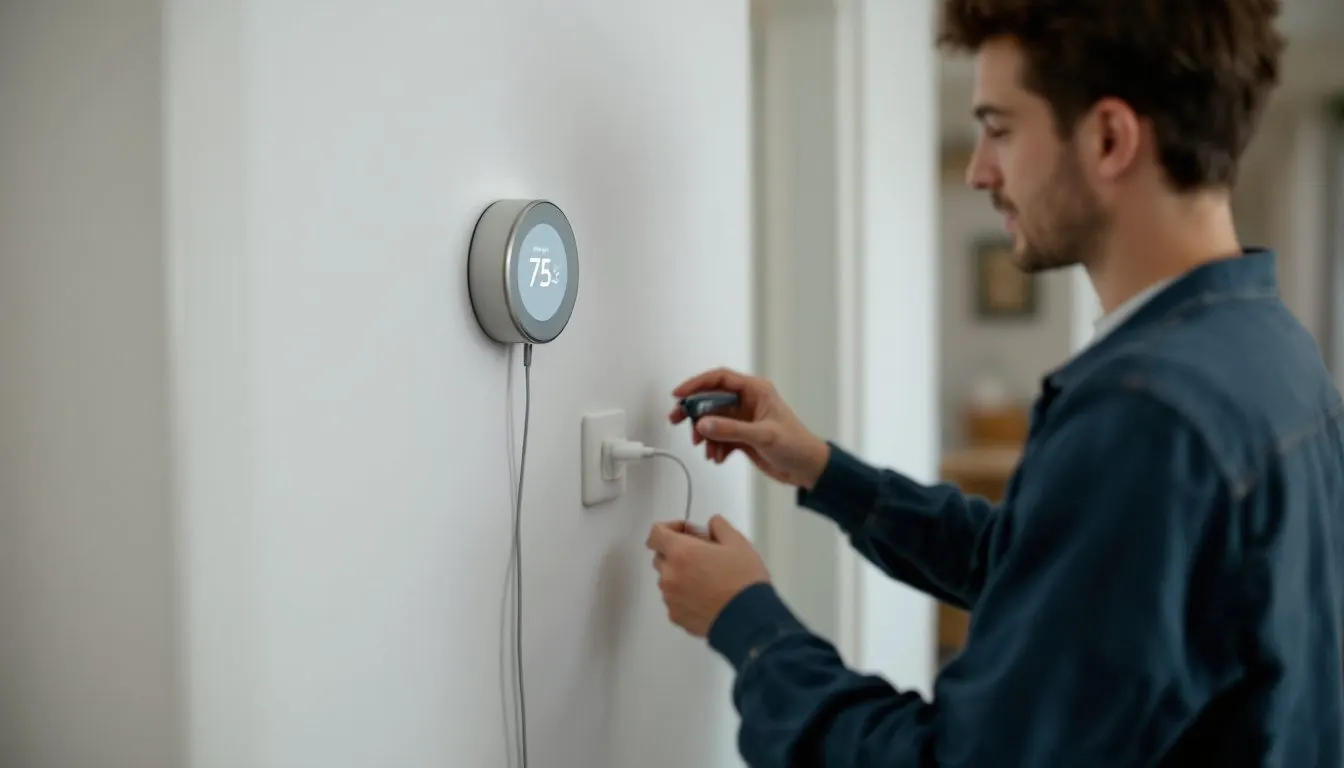
A Nest thermostat blinking light means one of two things, per Google: blinking red (dark yellow on the Learning Thermostat 4th gen) is a very low battery that is charging, and blinking green is a software update or restart. Red should clear within an hour, green within 15 minutes. Longer means a power or wiring fault.
What does each blinking light mean on your Nest model?
The color only means something once you know the model. The Learning Thermostat (4th gen) shows dark yellow; the 3rd gen Learning and Thermostat E show red and green; the 2020 Nest Thermostat, with a mirrored screen and a touch bar on the right side of the ring per Google's model guide, shows no light in Google’s troubleshooting at all.
| What you see | Model | Google’s meaning | Normal duration | Not normal when |
|---|---|---|---|---|
| Blinking red, top of display | Learning (3rd gen or earlier), Thermostat E | Battery charge very low, but charging | Several minutes to 1 hour | Still off after an hour, or keeps returning |
| Dark yellow light | Learning (4th gen) | Battery charge very low, but charging | Several minutes to 1 hour | Same; a recurring yellow means wiring or power |
| Blinking green, top of display | Learning (3rd gen or earlier), Thermostat E | Updating software, starting up or restarting | A minute or 2 | Unresponsive past 15 minutes |
| No light, dark screen | Learning models, Thermostat E | Battery drained: too little power over the wires | Never | Now: reseat display, check breaker |
| Base level unlit, display off | Learning (4th gen) | Thermostat is not receiving power | Never | Now: breaker, fuse, system switch |
| No light, screen dark | Nest Thermostat (2020) | Google points to the 2 AAA batteries | Screen sleeps with no motion | Still dark after a tap and new cells |
Compiled by The HVAC Brief from Google Home and Nest Help troubleshooting, display and model pages, read November 6, 2026.
How long can a Nest blink red, or show dark yellow, before something is wrong?
Give it one hour. Google says the light means the battery is very low but charging, and that charging “can take several minutes or up to an hour,” per its won't turn on guide. Still dark after 60 minutes is a separate problem.
The fast fix is a direct charge. Pull the display off the base and charge it from a wall charger: USB-C on the 4th gen, mini or micro USB on the Thermostat E and older Learning models. Google warns against a computer USB port. On a 4th gen, look at the bare base first: if its level does not light, Google says the base has no power, which moves the problem to the breaker or system switch.
Why does the Nest blinking red light come back weeks after a good install?
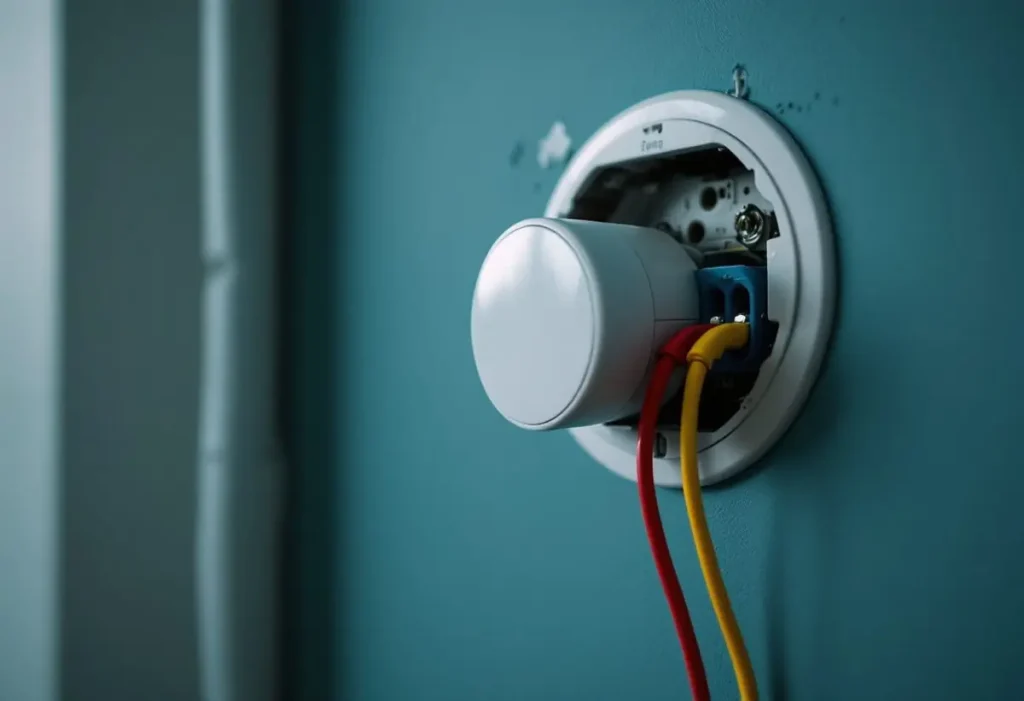
Because the battery loses more charge than the wires put back. Google says a red light that returns after regular use, or comes and goes on its own, points to wiring or another power issue. Without a C wire, a Nest charges by borrowing current through the heating and cooling circuits, per Google’s C wire page, so a smart thermostat installation that passed on day one can starve later. The same shortage can show up before any light does, as Nest heating delayed on most calls, which Google lists among power symptoms rather than treating it as a normal compressor wait.
Open Settings, Technical Info, Power and compare the readings with Google’s ranges from its information menu article. Google says Voc, Vin or Iin outside them suggests a wiring or system issue.
| Reading | Google’s normal value | Outside the range |
|---|---|---|
| Battery | Higher than 3.6 V while charging | Below 3.6 V: Wi-Fi off, updates delayed, screen disabled. Updates need 3.7 V. |
| Voc and Vin, all models | 29 to 42V | Wiring or system issue |
| Iin, Learning or E, C wire | 100 to 200 mA | Check the C wire is seated and lands on the board’s C terminal |
| Iin, Learning or E, no C wire or Power Connector | 20 to 40 mA | Connect a C wire or install a Power Connector |
| Iin, Nest Thermostat (2020) | 200 to 385 mA, with or without C | Wiring or system issue |
| HVAC Brief calculation | 100 / 40 = 2.5; 200 / 20 = 10 | Normal C wire current is 2.5 to 10 times the no C current |
Compiled by The HVAC Brief from Google’s Power ranges, November 6, 2026. The ratio row is our arithmetic, not a Google figure.
A detail ranking pages miss: Google lists the same 20 to 40 mA band for a Nest Power Connector install as for no C wire, so that reading after fitting one is not proof it failed. Google ties codes E1, E297, N260, N261 and M27 (N410 and N411 on the 4th gen) to the same fix, and warns that some third party C wire adapters can damage a Nest.
The fault can also sit in the equipment. Google’s example is a clogged filter that makes the system overheat and shut off, leaving the Nest nothing to charge from. A starved Nest also produces symptoms Google lists, such as chattering relays and heat cycling on and off quickly, which looks like furnace short cycling from the hallway.
Nest thermostat flashing green light: is it stuck in a software update?
Only after 15 minutes. Google says blinking green means updating, starting up or restarting, typically for a minute or 2; past 15 minutes with no response, it may have frozen during the update.
First pull the display straight off, line up the pin connector and push it back until it clicks. Then do a manual restart from Google's restart page: press the thermostat down until the screen turns off, about 10 seconds, and press the ring again (on a 4th gen, use Settings, Restart). Because an update needs 3.7 V, a green light that alternates with red is a power problem first. Learning 1st and 2nd gen units stopped getting updates on October 25, 2025, per Google’s end of support notice, so on them green points to a start up or restart; our ecobee vs Nest comparison covers replacements.
Why does a Nest Thermostat (2020 model) go blank without any light?
It runs on 2 AAA batteries, and Google’s troubleshooting for it points to the cells. Tap the right side to wake it. Google asks for 1.5 V AAA alkaline cells from a known maker, and says heating only, cooling only, zoned and heat pump systems need a C wire or Power Connector with this model. Other brands: see the thermostat not working chart or the Honeywell thermostat blank screen page.
Is a flashing blue, white, or green and orange light from the thermostat or from Heat Link?
The blue patterns and alternating yellow and green patterns that Google documents belong to Heat Link, a separate Nest box wired to the heating system. In Google’s Heat Link table, the Thermostat E Heat Link pulses blue while connecting and blinks blue quickly while updating. The 2nd gen Heat Link blinks yellow then green while searching for a thermostat, and fast during a factory reset (button held 20 seconds). Steady yellow on 2nd and 3rd gen units means it lost the thermostat.
On the thermostat, Google’s display guide defines the screen color: Orange is heating, blue is cooling, black is off or Eco. None of the Google pages we read defines a blinking white or blinking blue Nest thermostat light; ranking pages that assign one cite no Google source. Honeywell is more explicit, publishing numbered alerts and Wi-Fi fault codes that the Honeywell thermostat error codes decode model by model.
When does a Nest blinking light mean the furnace, not the thermostat, has the problem?
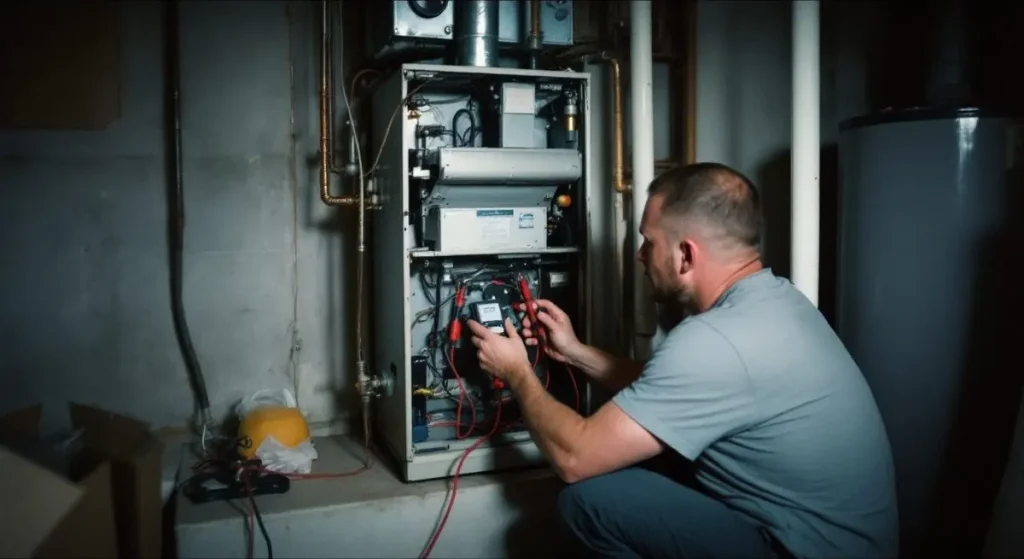
When the base has no power or every wire reads grey. Google uses more than one alert for lost power, and Nest no power to Rh wire covers the help codes that name the Rh wire itself and the furnace checks that restore low voltage power. Google’s “No power” alert (codes E298, E448 or M20) sits under Settings, Equipment, and Google says all grey wires mean the system may be powered off, per its No power page. Check the breaker, the system switch that can look like a light switch, and the cabinet cover, since Google says a safety switch often blocks operation with it removed; our furnace not working after a power outage guide covers restarts.
Google also names a blown fuse on the furnace control board and incompatible equipment: millivolt heaters, proprietary, high voltage and solid fuel systems. Stop there, because line voltage parts sit behind the cabinet cover. A technician will measure 24 VAC between R and C at the board, check the board fuse and the 24 volt transformer, then confirm Iin on the thermostat. Wire prep follows our thermostat wiring guide; Google asks for a straight 3/8 in strip.
Frequently asked questions
Do I need a C wire for a Nest thermostat?
Often not. Google says heating only, cooling only, zone controlled and heat pump systems require a C wire or a compatible power accessory such as the Nest Power Connector. The Nest Thermostat and Learning Thermostat (4th gen) run a power test during setup and tell you; on a Thermostat E or older Learning model, Google says to add one if the battery often drains, per its C wire page.
What does a Nest thermostat blank screen with a flashing red light mean?
On a Learning Thermostat (3rd gen or earlier) or Thermostat E, the battery is very low but charging. Google says the screen should return within several minutes or up to an hour. Still blank after an hour: charge the display from a USB wall charger, then read Settings, Technical Info, Power.
What does a Nest thermostat blank screen with a green light mean?
A blinking green light over a dark display means a software update, a start up or a restart, which Google says typically lasts a minute or 2. Past 15 minutes with no response, Google says it may have frozen during the update: reseat the display until it clicks, then restart it manually.
How we researched this
On November 6, 2026 we read ten Google Home and Nest Help articles and the six top ranking articles. Every meaning, duration, voltage and current comes from Google; the only calculation is the Iin ratio. We excluded white, blue, orange and green and orange thermostat light meanings found only on unsourced pages, forum posts, and the “G wire as C wire” workaround, which Google does not list. We did not test hardware.
Sources
- Google Home and Nest Help. “Troubleshoot when your thermostat won’t turn on.” https://support.google.com/googlenest/answer/9233319?hl=en. Accessed November 2026.
- Google Home and Nest Help. “Nest thermostat information menu.” https://support.google.com/googlenest/answer/9241211?hl=en. Accessed November 2026.
- Google Home and Nest Help. “Learn about the common or C wire.” https://support.google.com/googlenest/answer/9251212?hl=en. Accessed November 2026.
- Google Home and Nest Help. “Nest Power Connector.” https://support.google.com/googlenest/answer/10523126?hl=en. Accessed November 2026.
- Google Home and Nest Help. “Troubleshoot a ‘No power’ alert on a Nest thermostat (E298, E448 or M20 help code).” https://support.google.com/googlenest/answer/10191637?hl=en. Accessed November 2026.
- Google Home and Nest Help. “Restart or reset a Nest thermostat.” https://support.google.com/googlenest/answer/9247296?hl=en. Accessed November 2026.
- Google Home and Nest Help. “Heat Link lights and what they mean.” https://support.google.com/googlenest/answer/9252226?hl=en. Accessed November 2026.
- Google Home and Nest Help. “Learn about Nest thermostat displays.” https://support.google.com/googlenest/answer/9243193?hl=en. Accessed November 2026.
- Google Home and Nest Help. “How to tell which Nest thermostat you have.” https://support.google.com/googlenest/answer/9246551?hl=en. Accessed November 2026.
- Google Home and Nest Help. “End of support for Nest Learning Thermostats (1st and 2nd gen).” https://support.google.com/googlenest/answer/16233096?hl=en. Accessed November 2026.
Leave a Reply