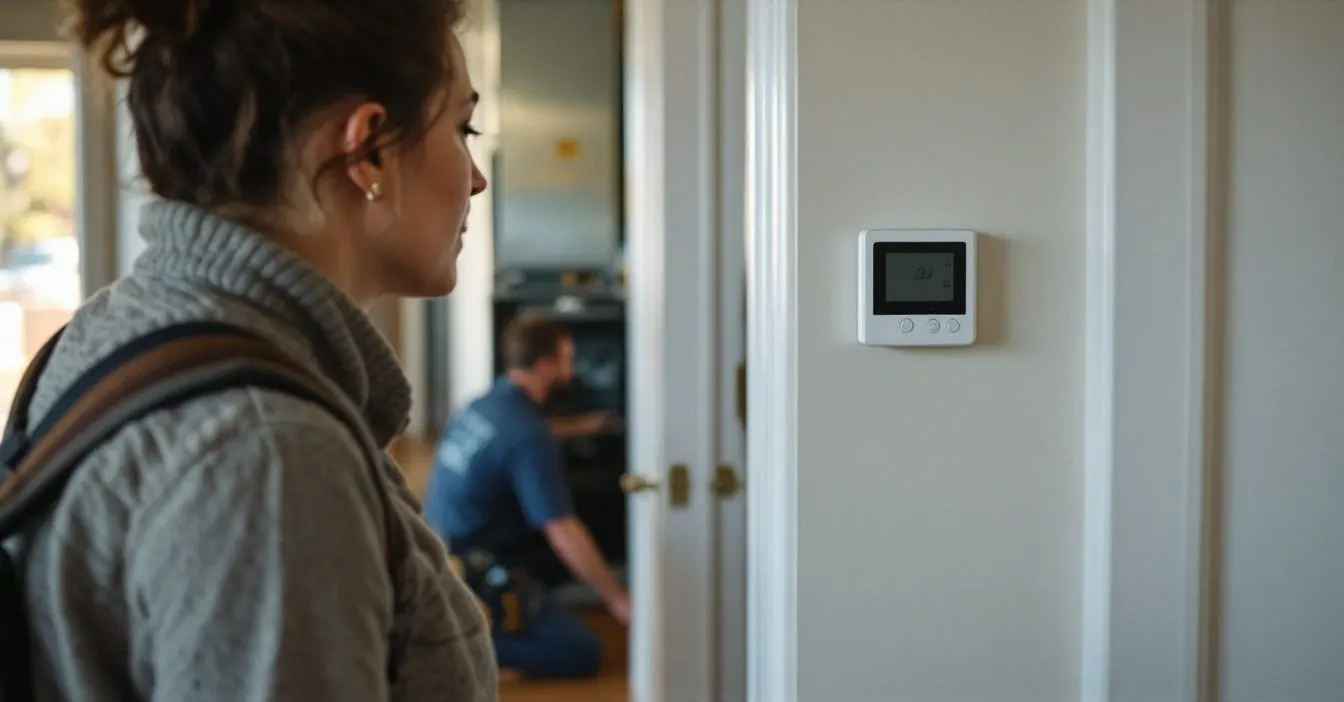
A Trane thermostat flashing Cool On, Heat On, Starting Soon, its set point or a snowflake is almost always compressor protection: Trane’s guides say the wait lasts up to 5 minutes. A flashing Call for Service, Service, battery warning or clock means something else, and each Trane line words it differently.
Match your model (XR102, XR203, XR302, XR402, XR724, XL824, Link UX360 or a TCONT number; Trane’s 2008 Comfort Control guide puts the model number and date code behind the battery holder), then read across.
What does each flashing word or icon mean on Trane’s XR, XL and TCONT thermostats?
Only four rows in Trane’s own documents send you past waiting or fresh batteries: a flashing Call for Service on the XR203, Comfort Alert codes on the XR302 and XR303, and the two Service patterns on the XR402.
| What flashes | Trane line | Trane’s meaning | What to do |
|---|---|---|---|
| Cool On, or Heat On on a heat pump | TCONT600AF11MA | Compressor protection: the compressor is forced to wait after shutdown | Wait 5 minutes |
| Starting Soon on the display | XR203 | Compressor lockout operating, up to a 5 minute delay | Wait; installer menu item 50 sets it |
| Set point number | XR302, XR303 | Compressor time delay active; the set point flashes for up to five minutes | Wait |
| Cool mode icon | XR102 | Compressor lockout, 5 minute minimum off time | Wait |
| Snowflake and flame together | XR103 | Lockout to stop the compressor cycling too quickly | Wait |
| Flame alone | XR103 | 2nd-stage heat (Aux or Emergency) is energized | Normal on a cold day |
| EMER | XR103 | System switch is in EMER | Move it to HEAT unless backup only is wanted |
| Call for Service | XR203 | Compressor self diagnostic is detecting an issue with the outdoor unit | Service visit |
| Comfort Alert fault codes | XR302, XR303 | Codes sent by a Comfort Alert module, if one is wired in | Service visit |
| Service | XR402 | Control EEPROM write error | Press any key, re-enter setup |
| Service and Heat together | XR402 | JP1 Dual Fuel jumper setting does not agree with setup | Installer cuts JP1 for dual fuel |
| Clock or time icons | XR203, XR724 | Power up, a reset, or a clock that has not been set | Set the time and day |
| Set Clock | TCONT600AF11MA | Clock lost; it runs the weekday Wake period until reset | Set the time and day |
| REPLACE BATTERY | TCONT600AF11MA | Warning starts about two months before the batteries are depleted | Fresh batteries now |
Why is Cool On or Heat On flashing, and how long will a Trane thermostat make you wait?
Because the compressor was told to rest. Trane’s TCONT600AF11MA owner’s guide says the feature “forces the compressor to wait for a few minutes before restarting,” flashes Cool On (or Heat On on a heat pump) meanwhile, and its troubleshooting line says to wait 5 minutes (owner’s guide, transcribed copy).
Newer Trane lines show the same hold differently. The XR203 guide prints “Starting Soon” with “up to a 5 minute delay before the compressor turns on.” The XR302 and XR303 flash the set point instead, and the XR102 flashes its cool icon for a “5 minute minimum off time.”
The same hold follows an outage. The XR103 guide says compressor lockout makes it “wait 5 minutes before turning on the compressor if the heating and cooling system loses power.” The XR402 is the outlier: its troubleshooting table says that if cooling does not come on within 15 minutes, contact a servicer. If the flashing ends and the house still warms, test what actually runs with our Cool On but AC not running sequence.
The delay itself is set in the thermostat. XR203 installer menu item 50 switches the 5 minute lockout on or off. A flashing indicator that returns every few minutes all afternoon is a different problem, covered in AC short cycling.
What does a flashing Call for Service or Service icon mean on an XR203, XR302 or XR402?
On the XR203 it is the outdoor unit. Trane’s troubleshooting table says: “If ‘Call for Service’ is flashing, compressor self diagnostic is detecting an issue with the outdoor unit,” and the action is a service person verifying the outdoor equipment. The same table lists other triggers for the icon: heating or cooling that cannot get the space within 10 degrees of the set point within 2 hours, and two dash marks in place of the room temperature, which means the thermostat needs replacing.
On the XR302 and XR303, Trane says Call for Service “indicates a fault in the heating/cooling systems. It does not indicate a fault in the thermostat.” They also flash Comfort Alert module fault codes when one is wired in.
On the XR402 installer’s guide, a flashing Service icon is a “Control EEPROM write error”: press any key and re-enter the setup choices. Service and Heat flashing together means the JP1 Dual Fuel jumper disagrees with setup.
Flashing Heat On, flame or EMER: is the heat pump running on backup heat?
On the XR103 heat pump thermostat, yes for the flame. Trane writes that the flame icon is “displayed flashing when 2nd-stage heat (Aux or Emergency) is energized,” which is the backup heat source helping the heat pump. EMER flashes whenever the system switch sits in EMER, which bypasses the heat pump entirely; what that costs is worked out in aux heat vs emergency heat.
Is a Trane thermostat with a blank screen dead, or just out of batteries or 24 volts?
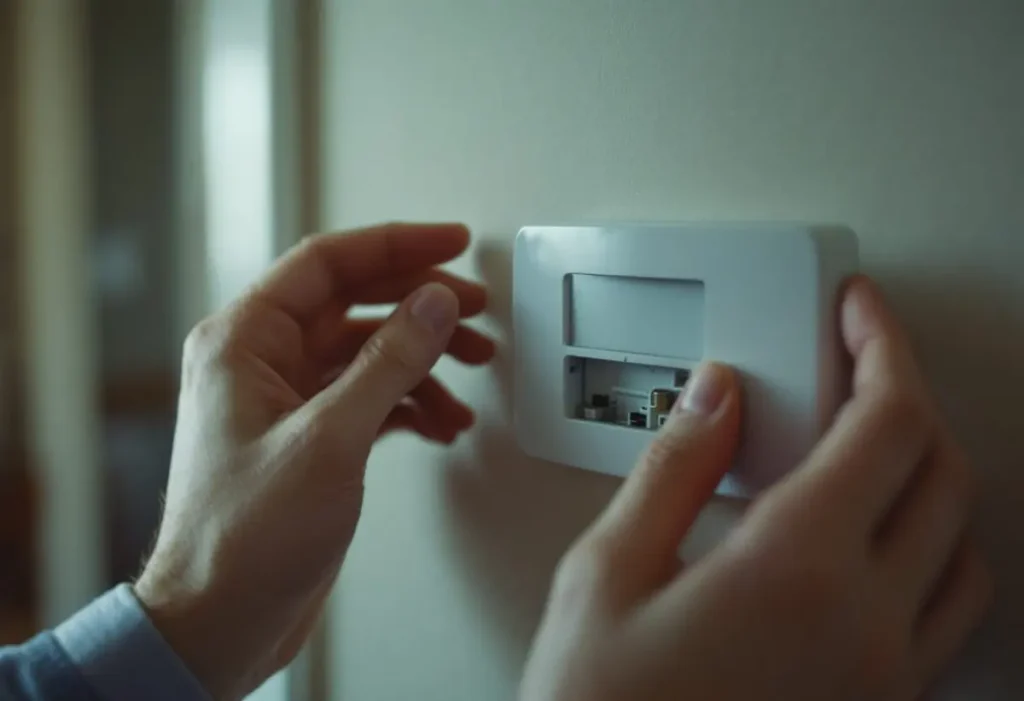
It depends on what powers the model, and Trane’s lines split cleanly. The XR102, XR203, XR302 and XR303 carry cells that can run the display; the XR103, XR402 and XR724 run only on low-voltage AC from the equipment, and the XR103’s AAA cells just hold its settings.
| Trane line | Power, per Trane | Blank screen: Trane’s reading and fix |
|---|---|---|
| XR102 | Two 1.5V AAA; 20 to 30 VAC input also listed | Low cells blank everything but the battery icon; a button press lights it for ten seconds |
| XR103 | 20 to 30 VAC; AAA cells only keep settings | BATT shows when the memory cells are low |
| XR203 | AA cells required without a C wire; backup with one | Good cells but blank: remove the batteries for 2 minutes |
| XR302, XR303 | Two 1.5V AA; 20 to 30 VAC input also listed | Spike or static blank: remove batteries for 2 minutes |
| XR402 | 24 VAC, nonvolatile memory, no battery backup | No blank-screen row in Trane’s table |
| XR724 | 24 VAC; common and hot wire must be connected | Loss of 24VAC between R and C: check wiring, transformer, broken wire |
| TCONT600AF11MA | AC power, batteries optional, or AA cells | Breaker, equipment power switch, furnace door, fresh AA alkaline |
| XL824, Link UX360 | No battery section in the user guide | Check brightness, backlight and screen saver settings first |
The XR102 has a trap worth knowing: after the low battery icon has shown for 4 weeks, Trane says the thermostat raises the temperature 10° above the set point in COOL mode and drops it 10° in HEAT. A dark XR102 with a warm house in July may be working exactly as designed.
A blank screen after a power outage on a model with no cells points back to the equipment, because the XR724 guide traces a dark display to lost 24VAC between R and C, supplied by the system transformer; work through the breakers in AC not working after a power outage. The XR724 keeps its clock through a 12 hour super capacitor backup. Terminal letters are decoded in our thermostat wiring guide.
Does Trane define a flashing E2 on any of its thermostats?
Not in any of the 12 Trane thermostat guides we opened. The Trane E2 codes we found sit on furnace control boards: the S9X1, S9X2 and S9B1 installer’s guide lists E2.1 as Retry Exceeded (flame never sensed, one hour lockout after 3 times), E2.2 as Recycles Exceeded and E2.3 as a 1st stage gas valve fault. If the code is on the furnace display rather than the wall, use our Trane furnace error codes table; a gas code is not an owner repair.
What will a technician check when a Trane thermostat keeps flashing past 15 minutes?
First, 24 volts at R and C, because the XR724 guide makes that the opening check for a display that will not come on. Then whether the thermostat is calling at all: Trane’s XR203 diagnostic is to lower the set point below room temperature in Cool and listen for a soft click within five minutes.
If the click comes and the outdoor unit stays off, the problem has left the thermostat. On an XR203 with Call for Service flashing, or an XR302 relaying Comfort Alert codes, the technician reads the outdoor unit’s own diagnostics. Owners can reset a tripped breaker and swap cells; contactors, capacitors and refrigerant stay with a licensed technician, because the outdoor panel carries line voltage. The broader symptom list is in thermostat not working.
Frequently asked questions
Why is my Trane thermostat flashing cool on?
The compressor protection delay is running. Trane’s TCONT600AF11MA guide says Cool On flashes while the compressor is forced to wait after shutdown, and tells owners to wait 5 minutes. The XR203 shows Starting Soon instead and the XR302 flashes its set point, both for up to five minutes. If cooling still has not started after 15 minutes, the XR402 guide says to contact a servicer.
How do I reset a Trane thermostat with a blank screen?
On the XR203 and XR302, Trane says to remove the batteries for 2 minutes, which keeps menu settings on the XR203. The XR102 resets by pressing up and down together while moving the system switch from OFF to HEAT, which restores factory defaults. Models without batteries, such as the XR724, need 24 volts between R and C before any reset will help.
Why is my Trane thermostat flashing filter?
A filter reminder has come due. The XR203 sets one from 1 to 12 months in its user menu, the XR302 and XR303 count run time with a default of 200 hours, and the XR402 defaults to 30 days. Trane describes these as reminders set by calendar time or system run time, so the flash means the interval ran out, not that a sensor found a dirty filter.
How we researched this
On 7 November 2026 we downloaded every thermostat guide on Trane’s residential owner’s manual page (XR102, XR103, XR202, XR203, XR302/303, XR402, XR724, XL824, XL850, XL1050, Link UX360) plus furnace guide 18-CE12D1 for E2, and checked each table row against the guide text. The 2008 TCONT600AF11MA guide is not on Trane’s site, so we used a transcribed copy. Repair blogs were excluded: none cites a Trane document. No Trane guide we found explains a white screen or an “HO” display, so we do not.
Sources
- Trane. “XR102 Non-Programmable Thermostat TCONT102 Installation and User Guide, 18-HD54D1-1B-EN.” https://live-trane-headless-cms.pantheonsite.io/wp-content/uploads/2022/08/18-HD54D1-1B-EN.pdf. Accessed November 2026.
- Trane. “XR103 Non-Programmable Heat Pump Thermostat TCONT103 Installation and User Guide, 18-HD55D1-1C-EN.” https://live-trane-headless-cms.pantheonsite.io/wp-content/uploads/2022/08/18-HD55D1-1C-EN.pdf. Accessed November 2026.
- Trane. “XR203 Programmable Thermostat TCONT203AS42MA Installation and User Guide, 18-HD50D1-1D-EN.” https://live-trane-headless-cms.pantheonsite.io/wp-content/uploads/2022/08/18-HD50D1-1D-EN.pdf. Accessed November 2026.
- Trane. “Touchscreen Thermostat TCONT302 and 303 Installation and User Guide, 18-HD48D1-1C-EN.” https://live-trane-headless-cms.pantheonsite.io/wp-content/uploads/2022/08/18-HD48D1-1C-EN.pdf. Accessed November 2026.
- Trane. “XR402 TCONT402AN32DA Installer’s Guide, 18-HD29D3-4.” https://live-trane-headless-cms.pantheonsite.io/wp-content/uploads/2022/08/18-HD29D3-4.pdf. Accessed November 2026.
- Trane. “XR724 Touchscreen Comfort Control TCONT724AS42DA User Guide and Installation Instructions, 18-HD82D1-1E-EN.” https://live-trane-headless-cms.pantheonsite.io/wp-content/uploads/2022/03/18-HD82D1-1E-EN_09162021.pdf. Accessed November 2026.
- Trane (copy transcribed by thermostat.guide). “TCONT600AF11MA Comfort Control Programmable Thermostat Owner’s Guide.” https://thermostat.guide/trane/trane-tcont600af11ma-comfort-control-programmable-thermostat-owners-guide/. Accessed November 2026.
- Trane. “XL824 Smart Control User Guide, 032-5090-06C-EN.” https://live-trane-headless-cms.pantheonsite.io/wp-content/uploads/2022/03/032-5090-06C-EN.pdf. Accessed November 2026.
- Trane. “Link UX360 Thermostat User Guide, 32-5102-1C-EN.” https://trane-assets-grd.s3.amazonaws.com/residential/en/assets/owners-manuals/user-manual-tstat-ux360.pdf. Accessed November 2026.
- Trane. “Installer’s Guide 18-CE12D1-1D-EN (S9X1, S9X2, S9B1 gas furnaces).” https://elibrary.tranetechnologies.com/public/residential-hvac/Literature/Installation/18-CE12D1-1D-EN_09162020.pdf. Accessed November 2026.
Leave a Reply