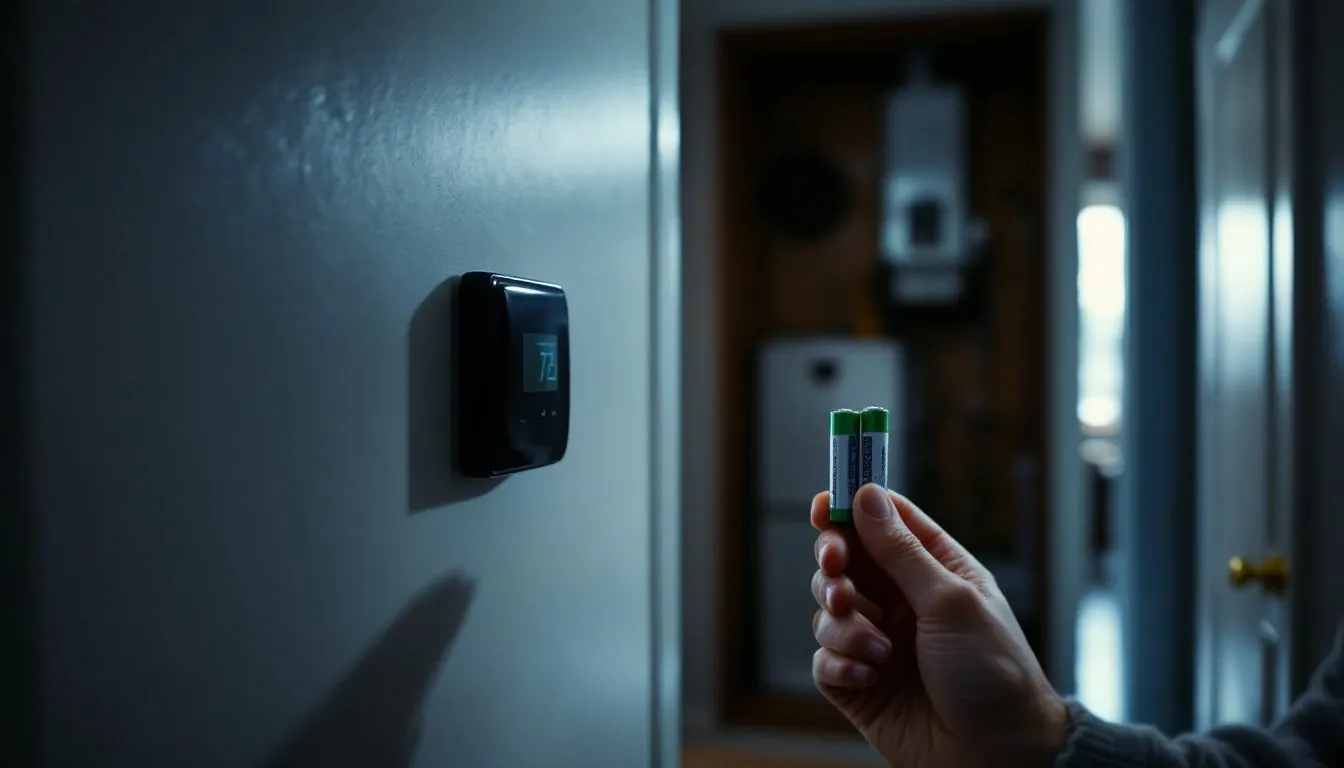
A Honeywell thermostat blank screen means the display lost its power source, and the source depends on the model. RTH2300, RTH221 and RTH6360 screens run on batteries alone, so fresh alkaline cells come first. T9, RTH9585WF, T6 Pro Smart and FocusPRO S200 screens run only on the 24 volt C wire, so batteries cannot help.
Which Honeywell models light the screen from batteries, and which only from the C wire?
Find the model number on the back of the faceplate or in the battery bay. The power column sets your first test. A lit screen that ignores you is a different fault, covered in our general thermostat troubleshooting guide.
| Model | What powers the display, in Resideo’s words | Cells | First test when the screen is blank |
|---|---|---|---|
| RTH2300, RTH221 | Batteries only: “Do not use C or C1 wires.” | 2 AAA alkaline | Fresh AAA cells, faceplate pushed home |
| RTH6360 | Batteries: “C does not power the thermostat display” | 2 AA alkaline | Fresh AA cells, even when a C wire is connected |
| T6 Pro TH6220U, TH6320U, TH6210U | Either: C “optional if batteries are installed” | 2 AA, “primary or backup power” | Fresh AA cells, then the 24 volt chain |
| FocusPRO P200 | Either: AA cells, “P200 models only” | AA | Fresh AA cells, then the 24 volt chain |
| FocusPRO S200 | C wire only | None | 24 volt chain |
| T6 Pro Smart TH6220WF, TH6320WF | C wire only; input 24 V at 1 A | None | 24 volt chain |
| T9 RCHT9610WF | C wire or the boxed C-Wire Adapter; input 24 V at 0.2 A | None | 24 volt chain, C wire at both ends |
| RTH9585WF | C wire only | None | 24 volt chain |
Two rows trip up the guides that rank today. One popular page says the T6 Pro TH6220U2000 and TH6320U2008 cannot run on batteries; Resideo’s T6 Pro installation instructions (Energy Control copy) say the opposite. And on an RTH6360, a C wire does not keep the display alive. Wire by terminal letter, not color, as our thermostat wiring color code explainer shows.
RTH2300 or RTH221 screen blank: are the AAA cells the only suspect?
Nearly always, yes. The RTH2300/RTH221 owner’s manual lists one fix for “Display is blank”: “Make sure fresh AAA alkaline batteries are correctly installed.” Nothing in the furnace feeds this screen, so a tripped breaker stops the heat but leaves the display lit.
Lo Batt flashes for 60 days before the cells run out. Before you pull them, set the System switch to Off: the manual warns the heating or cooling “could remain activated even when batteries are removed.” Afterward only the clock and the day need setting. Once the screen is back, a flashing Cool On or Wait is only a compressor delay, as the Honeywell thermostat error codes explain alongside the numbered alerts and Wi-Fi faults.
If fresh cells and a faceplate pushed home still give nothing, Honeywell’s RTH2300 support answer is short: there is no C wire option, and “If the unit does not power up, replace it.” A lit screen with a steady Cool On and nothing running is a different fault: see our guide to a thermostat that says Cool On while the AC is not running.
Why does an RTH6360 go blank with a C wire connected?
Because the C wire does nothing for its screen. The RTH6360 guide states twice that “C does not power the thermostat display or operations; batteries are always required,” and its troubleshooting table answers “Display is blank” with fresh AA alkaline cells and nothing else.
The RTH6360 warns early: its low battery icon “appears about two months before the batteries are depleted,” and alert 407 means they are almost gone. Cells swapped within two minutes keep the time and day. Honeywell’s online answer also has “common wired” owners check breakers, but per the printed guide the cells decide.
T6 Pro or FocusPRO P200 dark: which of its two power paths failed?
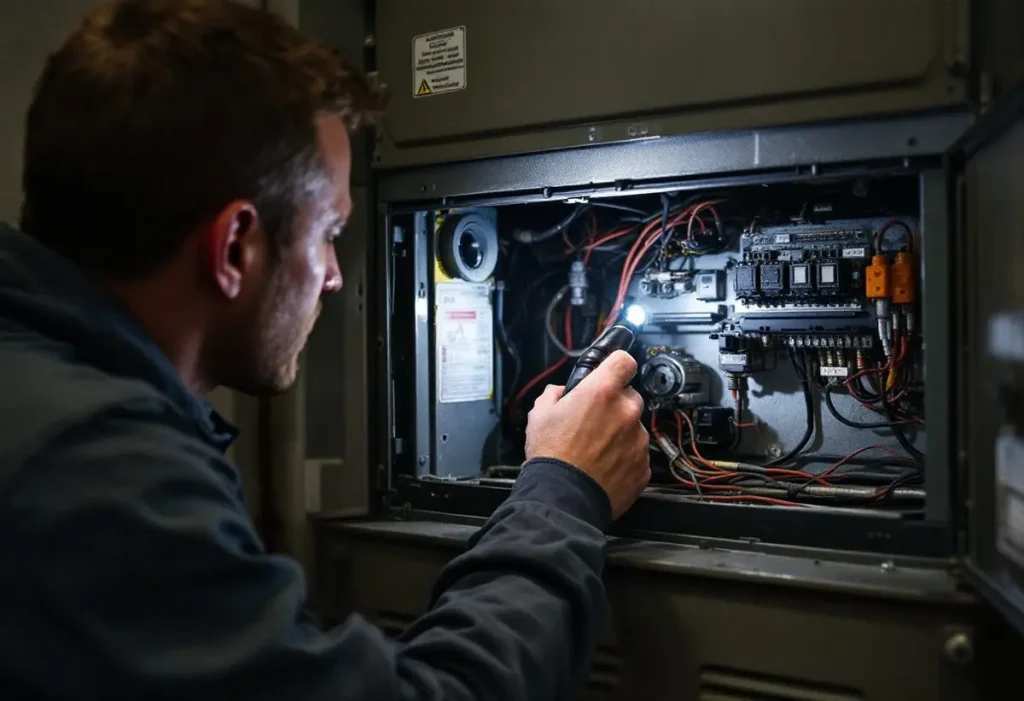
Usually both. These models run from AA cells, from R and C, or from both, so a fully dark screen normally means flat cells and no 24 volts, either never wired or lost at the furnace or air handler. Carrier’s Comfort Series has the same two power sources, while its Edge and Côr models run on low voltage power alone, as the Carrier thermostat blank screen checks explain.
Fit fresh AA alkaline cells first. If the screen returns but the system ignores a call, the cells were hiding a 24 volt loss. If a T6 Pro stays dark on fresh cells, reseat it: Resideo says to align the UWP wallplate “and push gently until the thermostat snaps in place.” The FocusPRO wiring page splits that family: P200 takes cells, while “C terminal is required for S200 Smart thermostats.”
No batteries at all (T9, RTH9585WF, T6 Pro Smart, FocusPRO S200): where did the 24 volts stop?
Somewhere between the breaker panel and the R and C terminals: with no cells to fall back on, every switch in the 24 volt chain can turn these screens off. Every ecobee works this way, and the checks for an ecobee thermostat blank screen run from the breaker and furnace door to the board fuse and float switch. The T9 installation guide (copy hosted by Lowe’s) lists breaker, system power switch, furnace door and “Make sure the C wire is connected” for a blank display.
| Where | What you see or read | What it means | Who |
|---|---|---|---|
| HVAC breaker | Handle off or in the middle | Reset once; a second trip is a fault | Owner |
| Furnace or air handler service switch | Off | Switch on, then allow about 10 minutes for a T9 or T10 to recover | Owner |
| Blower door | Panel loose or off | Goodman: an interlock “prevents furnace operation if the blower door is not in place” | Owner |
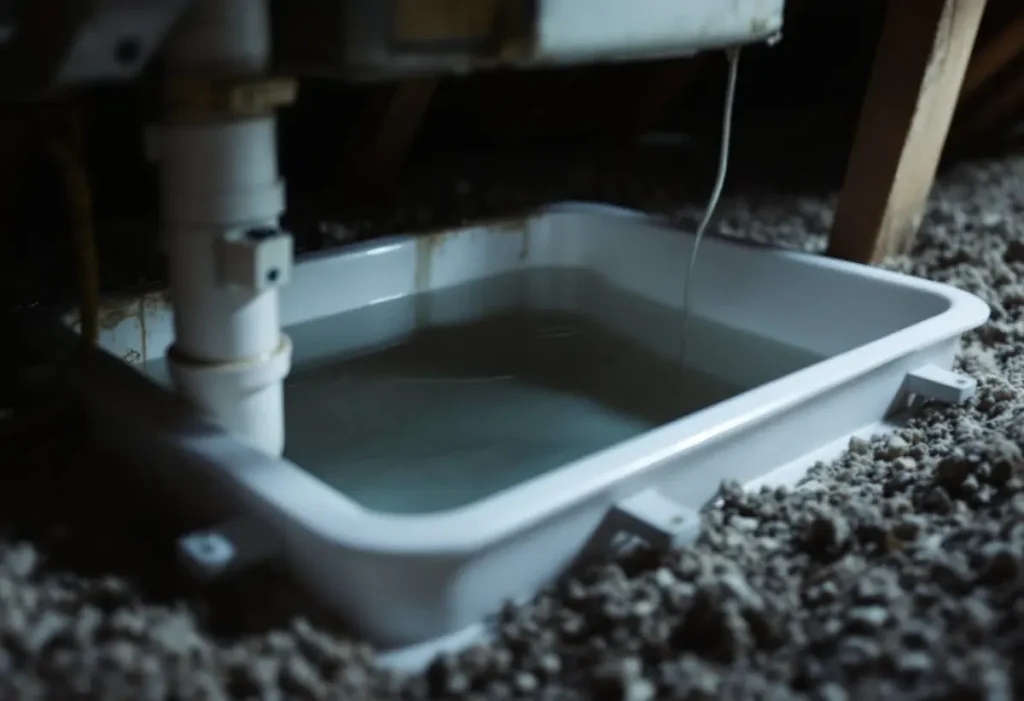
| Drain pan float switch | Water at the switch | A switch wired into the red wire “shuts down entire unit” | Owner clears the drain |
| Control board fuse | Open fuse; Goodman boards show E5 | Goodman: “Short in low voltage wiring”; refit a 3-amp automotive fuse | Technician |
| R to C at the wallplate | 0 V, or near 24 V | Resideo’s RTH2300 manual rates R at 20 to 30 Vac. 0 V: open upstream. Voltage but dark: C seating or thermostat | Technician |
The stop line is the cabinet. The transformer and fuse sit beside 120 volt terminals, so shut the breaker before any panel comes off. Goodman’s service instructions say to “Locate and correct short in low voltage wiring” before a new fuse goes in: a technician lifts thermostat wires one at a time with a meter, as our furnace control board guide and HVAC transformer explainer describe.
RectorSeal’s SS1 data sheet tells installers to run the red wire through its float switch, so a full pan cuts R and a C wire screen stays dark until the water drains. Clearing the line is in our clogged AC drain line walkthrough.
A screen dark since the day it went up usually never had a C wire. The T9 ships with a C-Wire Adapter, the T6 Pro Smart instructions name the THP9045A1098 adapter for four-wire systems, and Resideo’s RTH9585WF quick start says “Without a C wire, your thermostat will not power up.” The T9 guide adds: “Some systems will not power up if the cover isn’t fully closed.” Our smart thermostat installation guide shows how to find a spare conductor.
Blank screen after a power outage: how long before you reset it?
About 10 minutes on a T9 or T10, then a power cycle. Honeywell’s T9/T10 support answer says to pull the thermostat off the wall for one minute or turn the furnace or AC service switch off for 30 seconds, and that “the device should recover within about 10 minutes.”
An outage cannot darken an RTH2300 or RTH221 by itself: those run on two AAA cells with no C wire, so a dark one after a storm still needs cells. A C wire model still dark after the reset points to the chain above. A furnace that will not restart under a lit screen is covered in our guide to a furnace not working after a power outage.
Frequently asked questions
Why is my Honeywell thermostat blank after changing batteries?
Check type, polarity and seating. The RTH2300 and RTH221 take two AAA alkaline cells, the RTH6360 two AA alkaline cells, and the faceplate must snap fully onto its wallplate. RTH6360 cells inserted within two minutes keep the time and day. An RTH2300 still dark on new cells should be replaced, Honeywell says, since it has no C wire option.
How do I reset a Honeywell thermostat with a blank screen and no batteries?
Remove its 24 volt power. For the T9 and T10, Honeywell says to pull the thermostat off the wall for one minute, or switch the furnace or AC service switch off for 30 seconds, then allow about 10 minutes to recover. If it never returns, check that the C wire is connected at both ends.
Does a Honeywell thermostat have a reset button?
None of the seven Resideo documents we read describes a reset button that revives a dark screen. A blank display is a power fault, so the reset is a power cycle: fresh cells on battery models, or 30 seconds off at the service switch on C wire models such as the T9.
Why is my Honeywell AC thermostat blinking Cool On?
The screen works and the compressor is waiting. Resideo’s RTH2300 manual says compressor protection “forces the compressor to wait approximately 5 minutes before restarting,” with Cool On flashing meanwhile; the RTH6360 guide gives the same 5 minute instruction. If the flashing stops and nothing runs, the fault is past the thermostat.
How do I clear the change filter message on a Honeywell thermostat?
On the RTH2300, after fitting a new filter, Resideo says to “press and hold the RUN button for 3 seconds to reset the alert.” On the RTH6360 the reminder is alert 181, cleared with the dismiss button once the filter is replaced. It is a timer, not a fault, and it never blanks the screen.
How we researched this
On 6 November 2026 we read the seven Resideo documents in the table, Honeywell Home support answers for the RTH2300, RTH6360 and T9/T10, Goodman’s 80/90/95% gas furnace service instructions and RectorSeal’s SS1 data sheet. The top five search results were reviewed but supplied no facts; one contradicts Resideo on T6 Pro battery power. No document here specifies a 5 amp board fuse, so only Goodman’s 3-amp rating appears. No prices. Where a manual and a support page differ, the manual wins.
Sources
- Resideo. “Programmable RTH2300/RTH221 Thermostat Series Owner’s Manual, 33-00102EF.” https://customer.resideo.com/resources/techlit/TechLitDocuments/33-00000s/33-00102EF.pdf. Accessed November 2026.
- Resideo. “RTH6360 Series Programmable Thermostat, 33-00201EF.” https://digitalassets.resideo.com/damroot/Original/10015/33-00201EF.pdf. Accessed November 2026.
- Resideo (copy hosted by Energy Control). “T6 Pro Programmable Thermostat Installation Instructions, TH6320U2008, TH6220U2000, TH6210U2001.” https://www.energycontrol.com/SPEC/Honeywell/T6-Pro-Programmable-Thermostat_Install.html. Accessed November 2026.
- Resideo (copy hosted by Energy Control). “T6 Pro Smart Programmable Thermostat TH6220WF2006, TH6320WF2003 Professional Install Guide, 33-00392EFS.” https://www.energycontrol.com/SPEC/Honeywell/T6-Pro-Smart-Thermostat_Install.html. Accessed November 2026.
- Honeywell Home. “FocusPRO P200 and S200 Series Thermostats Installation Manual: Wiring Considerations.” https://docs.honeywellhome.com/focuspro-p200-s200-im/en-us/Content/Installation-Manual/Wiring%20Considerations.htm. Accessed November 2026.
- Resideo (copy hosted by Lowe’s). “T9 Smart Thermostat RCHT9610WFW2004 Installation Guide.” https://pdf.lowes.com/productdocuments/0217d5da-23ac-452a-b79f-cd234d0d93d0/50283848.pdf. Accessed November 2026.
- Resideo (copy hosted by The Home Depot). “RTH9585WF Quick Start, 33-00268.” https://images.thdstatic.com/catalog/pdfImages/42/427265f2-9f28-4c82-b0b3-c53d6494d26c.pdf. Accessed November 2026.
- Honeywell Home. “Why does my T9/T10 Thermostat fail to power on?” https://www.honeywellhome.com/blogs/support/why-does-my-t9-t10-thermostat-fail-to-power-on. Accessed November 2026.
- Goodman Manufacturing. “Service Instructions, 80%, 90% and 95% Gas Furnaces.” https://s3.amazonaws.com/s3.supplyhouse.com/product_files/Goodman-GMS951155DXA-Install-Instructions.pdf. Accessed November 2026.
- RectorSeal. “Safe-T-Switch SS1 Technical Specifications.” https://www.budgetheating.com/content/files/downloadables/ss1%20tech%20specs.pdf. Accessed November 2026.
Leave a Reply